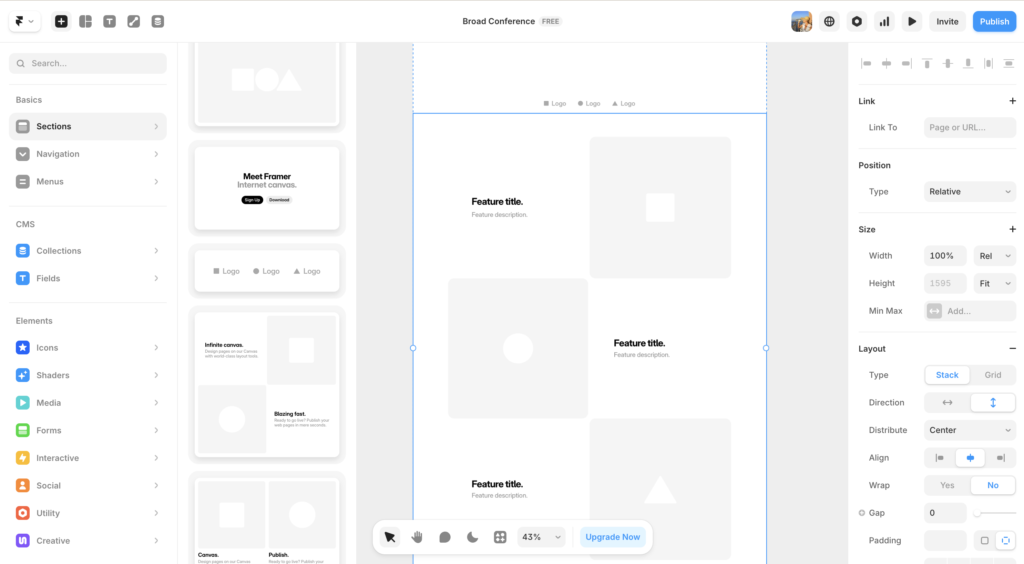
Webflow gets talked about like it is the holy grail of website builders. But is Webflow actually worth your time in 2026? This Webflow review is here to cut through the noise and give you a straight answer. Designers rave about it. Developers respect it. Marketing teams are increasingly building on it. And yet, for every person who swears by Webflow, there is someone else who tried it, got frustrated, and went back to something simpler.
Based on real experience building actual client sites on the platform, here is the honest answer. No sponsored opinions. No affiliate-first conclusions. Just a straight take on whether Webflow is worth your time and money in 2026.
TL;DR: The Short Version
Webflow is the most powerful no-code website builder available in 2026, but the learning curve is real. It is the right choice for designers and technically minded people who want full creative control without writing code from scratch. If you are a complete beginner or need a site live this week, start with Wix or Squarespace instead. Based on hands-on experience building real client sites, this Webflow review gives it 4 out of 5.
What Is Webflow?
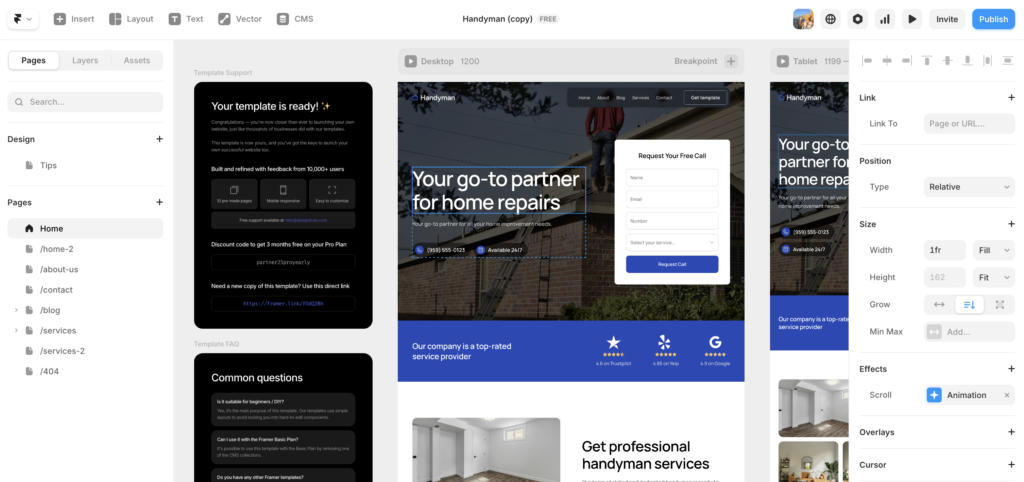
Webflow is a visual web design platform that lets you build professional websites without writing code from scratch. Unlike Wix or Squarespace, Webflow does not simplify the web design process by hiding its complexity. Instead, it gives you a visual interface that maps directly to real HTML, CSS, and JavaScript concepts.
Think of it this way. Wix is like painting by numbers. Webflow is like learning to paint with a really good set of brushes and a canvas that helps you along the way.
How Webflow Differs from Other Builders
Most website builders abstract away the code completely. Webflow does not. When you set padding in Webflow, you are setting CSS padding. When you create a grid, you are creating a CSS grid. The visual interface is genuinely powerful, but it requires you to think like a designer who understands front-end concepts, at least at a basic level.
Furthermore, Webflow includes a fully featured CMS, hosting infrastructure, ecommerce capabilities, and an animation engine. It is not just a page builder. It is a complete web development platform.
Webflow is one of the few no-code platforms that produces genuinely professional output without requiring a developer.
Webflow Review: Ease of Use
Let us be direct here. Webflow is not easy to learn. That is not a criticism. It is simply the reality of what the platform is.
Most beginners will need several weeks of dedicated learning before they feel comfortable building in Webflow. The platform has its own mental model based on CSS concepts like the box model, flexbox, and grid. If those terms are unfamiliar to you, expect a steeper curve.
However, Webflow University makes the learning process significantly more manageable. It is one of the best educational resources any software platform has ever produced. It is free, thorough, and genuinely well-made. Most people who commit to learning Webflow through Webflow University are building confidently within a month.
Who Finds Webflow Easy?
Designers who already understand CSS and HTML structure find Webflow almost immediately intuitive. If you have worked in Figma and understand layout concepts, the transition to Webflow is smoother than most people expect. Additionally, developers who want to design visually without leaving their comfort zone tend to adapt quickly.
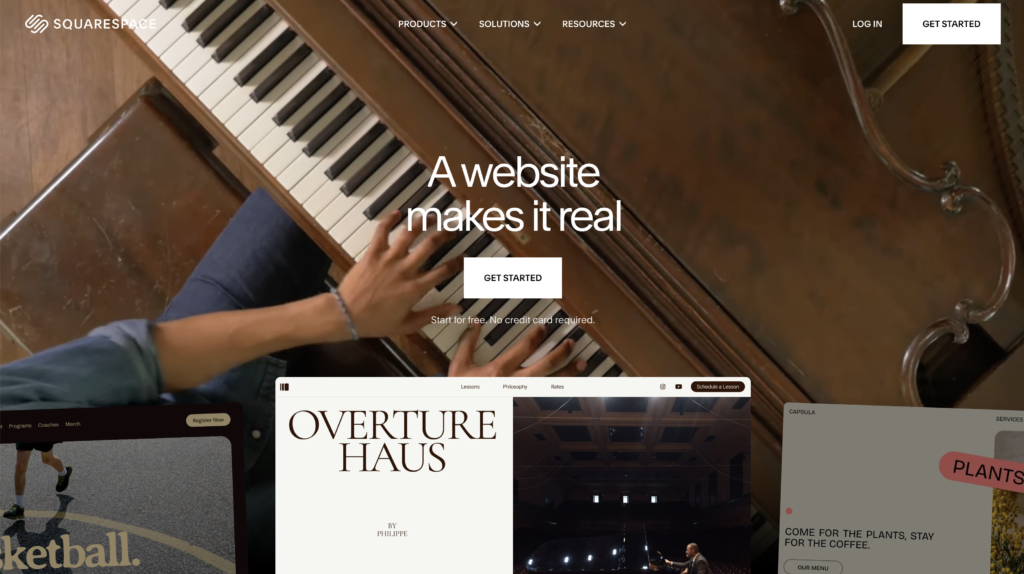
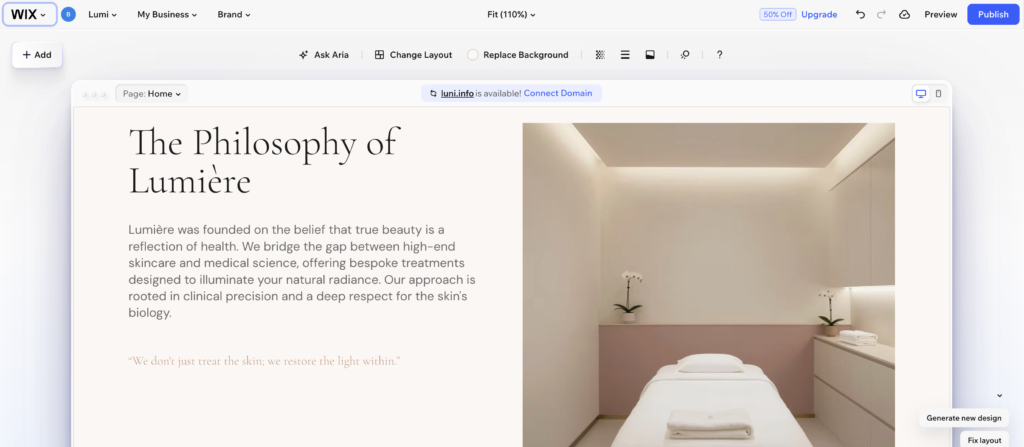
For complete beginners with no design background, Webflow is a difficult starting point. In that case, starting with Wix or Squarespace and graduating to Webflow later makes more sense.
The bottom line on ease of use: Webflow rewards investment. The more time you put in upfront, the faster and more confidently you build over time.
Webflow Review: Design Flexibility
This is where Webflow genuinely shines in this Webflow review. No other no-code platform comes close to the design freedom Webflow offers.
Every element on the page can be positioned, sized, styled, and animated with precision that would otherwise require a custom developer. You can create layouts that are simply impossible in Wix or Squarespace. Interactions and animations that would cost thousands of dollars in custom development can be built in Webflow in hours.
Moreover, the output is clean, semantic HTML and CSS. Webflow does not generate bloated or messy code. The sites it produces are fast, well-structured, and genuinely professional.
Design Flexibility in Practice
In practice, this means you can build anything from a simple five-page business site to a complex content platform with custom filtering, dynamic content, and sophisticated animations, all without writing a single line of code.
For designers, this level of control is transformative. It removes the gap between what you can design in Figma and what you can actually build and ship. That gap has historically been one of the most frustrating parts of web design work.
If you are ready to experience that level of control yourself, try Webflow free and see how it compares to your current workflow.
Design flexibility is Webflow’s single strongest advantage over every other no-code platform on the market.
Webflow Review: Templates and the Marketplace
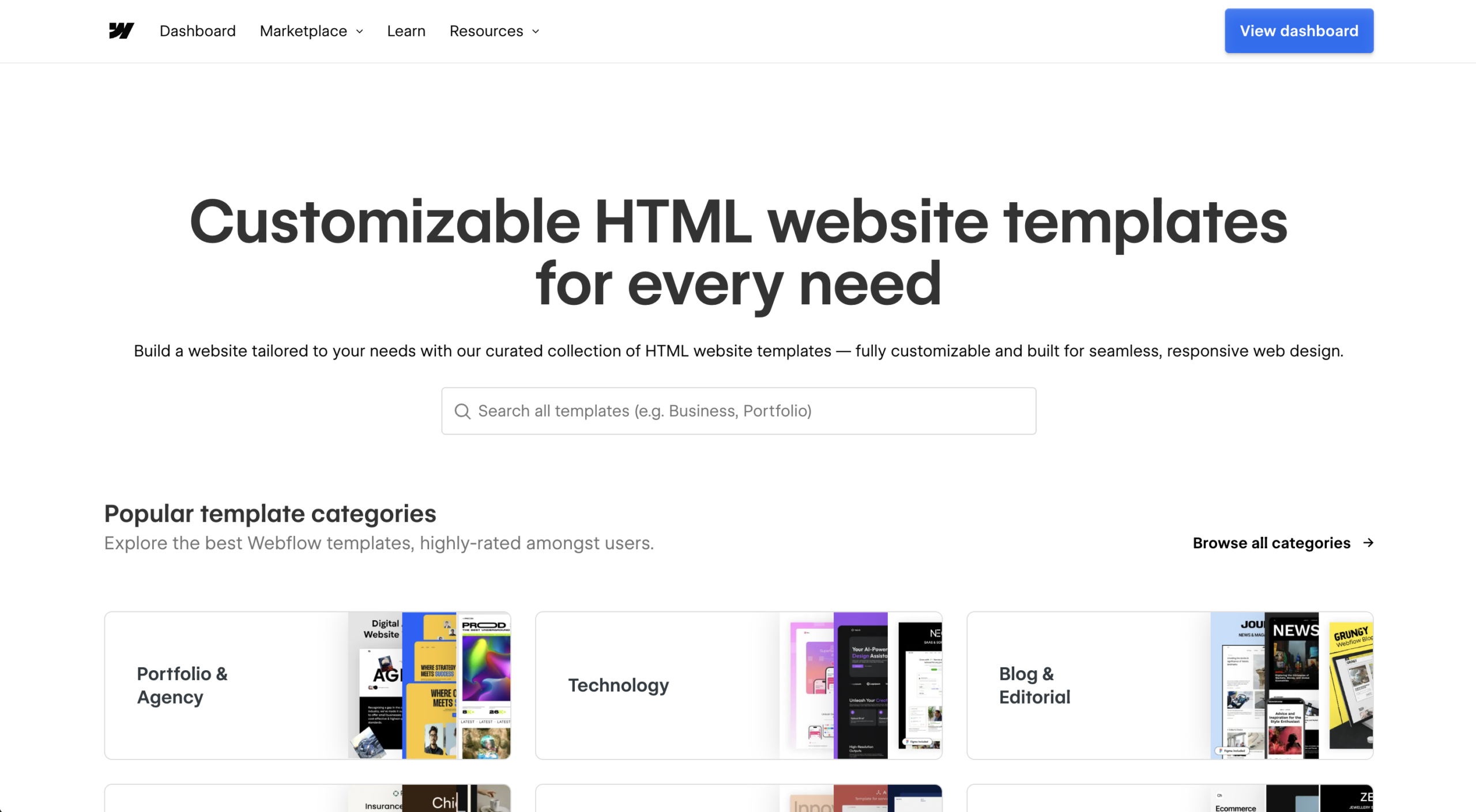
One aspect of Webflow that often gets skipped in reviews is the template ecosystem, and it deserves attention in any honest Webflow review.
The Webflow Marketplace offers hundreds of templates across free and paid tiers. Free templates are solid starting points. Paid templates range from around $49 to $149 and are typically more polished, more fully built out, and easier to customize without deep Webflow knowledge.
The quality range is wide. The best Webflow templates are genuinely impressive. They use real CMS collections, well-structured components, and clean interactions. The weakest ones are little better than a blank canvas with some styling applied. Reading reviews and previewing on multiple screen sizes before purchasing is worth the extra ten minutes.
How Templates Affect the Learning Curve
For new Webflow users, starting from a template rather than a blank canvas can cut the initial learning curve significantly. Instead of building every component from scratch, you are editing and adapting existing structures, which is a much more forgiving introduction to how Webflow thinks.
That said, templates can also create bad habits. If you rely on a template without understanding the underlying structure, you will hit walls the moment you need to make changes the template was not designed for. Using a template as a learning tool rather than a crutch is the right approach.
A good Webflow template can get a competent designer to a launchable site in a weekend.
Webflow Review: The CMS
Webflow’s CMS is one of its strongest features and one that often gets overlooked in basic reviews. This Webflow review gives the CMS particular attention because it is where the platform earns its price for content-heavy projects.
The CMS lets you create custom content types, called Collections, and build dynamic pages that pull from that content automatically. For example, you could create a Collection called “Team Members” with fields for name, photo, bio, and role, then build one template page that automatically generates a profile page for every team member you add.
This is the kind of functionality that used to require a custom WordPress build or a developer. In Webflow, it is built into the platform and manageable by non-technical users once it is set up.
CMS Limitations to Know
The Webflow CMS does have limitations worth flagging. The free plan allows only 2 collections and 50 items. The CMS plan expands this significantly, but it adds to your monthly cost. Additionally, the CMS editing experience for clients can feel unfamiliar at first, especially for those used to WordPress.
For content-heavy sites like blogs, news platforms, or portfolio sites, the Webflow CMS is genuinely excellent. For simple brochure sites, it may be more than you need.
The CMS is one of the strongest reasons to choose Webflow over other no-code platforms for any site that needs to scale its content over time.
Webflow Review: SEO Capabilities
Webflow is one of the strongest platforms available for SEO, and this is a significant advantage worth highlighting in any Webflow review.
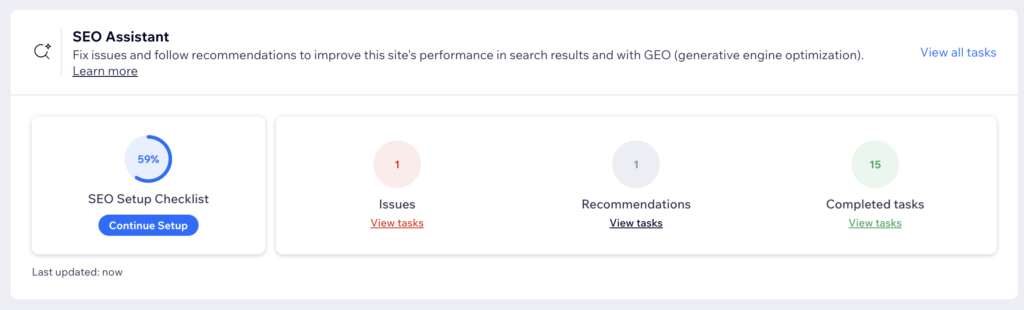
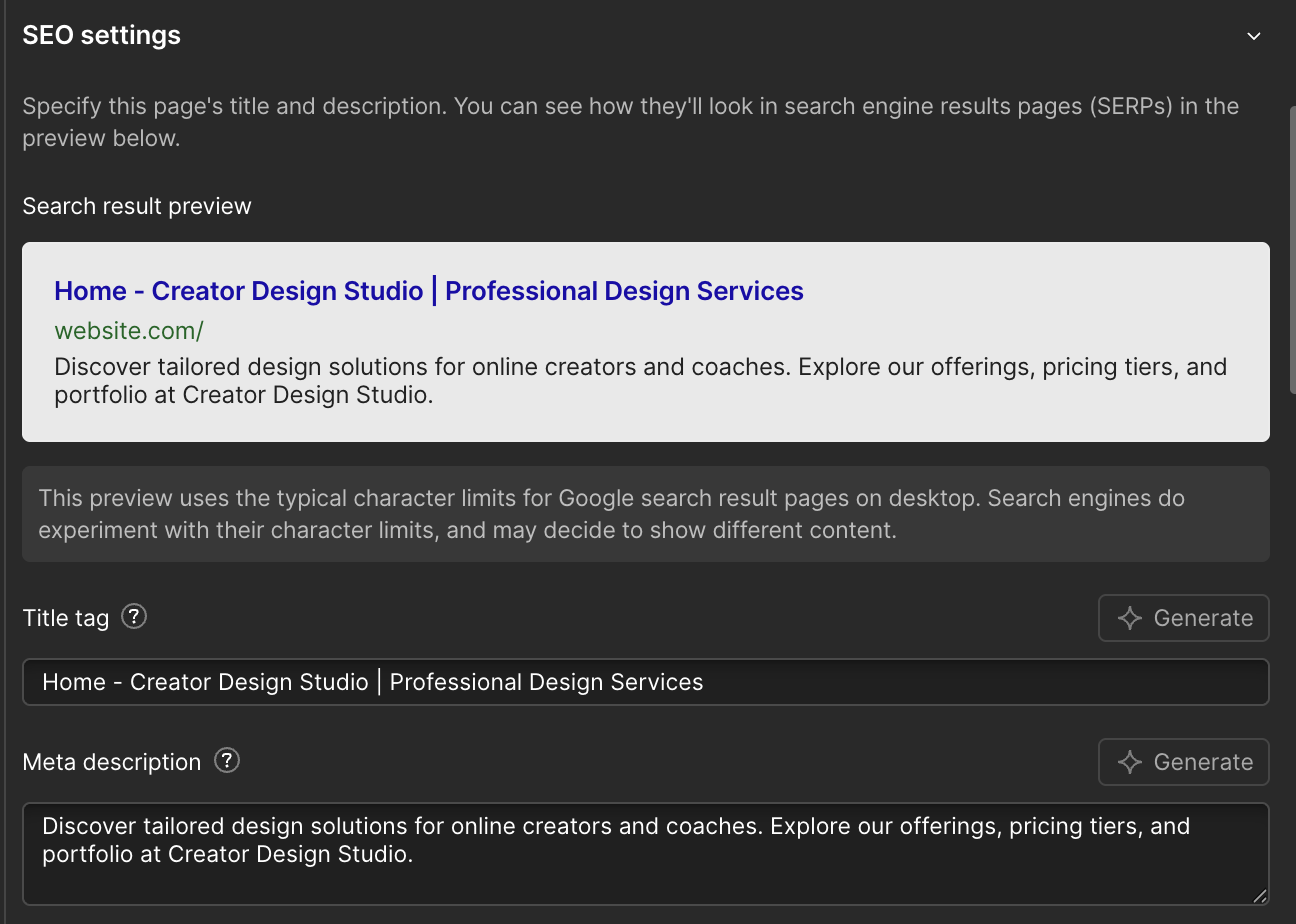
The platform gives you complete control over meta titles, meta descriptions, canonical tags, URL structures, alt text, and header hierarchies. It generates clean semantic HTML that search engines respond well to. It also produces automatic XML sitemaps and handles redirects elegantly.
Furthermore, Webflow sites are fast. Page speed is a confirmed Google ranking factor, and Webflow’s hosting infrastructure, built on AWS and Fastly’s CDN, delivers excellent performance out of the box without caching plugins or optimization tools.
How Webflow SEO Compares to the Competition
Compared to WordPress, Webflow offers slightly less flexibility for advanced SEO configurations. However, for the vast majority of businesses, Webflow’s built-in SEO tools are more than sufficient and require far less ongoing maintenance than a WordPress SEO plugin setup.
Compared to Wix and Squarespace, Webflow is clearly stronger for SEO in almost every measurable way. If organic search performance is a priority for your site, Webflow is one of the best choices available at any price point.
For a deeper look at how the major platforms compare on SEO, the website builder SEO guide on this site covers it in detail.
Webflow’s SEO output is clean, fast, and requires less ongoing maintenance than almost any competing platform.
Webflow vs WordPress: Which Should You Choose?
This is one of the most common questions that comes up in any Webflow review, and it deserves a direct answer rather than a vague “it depends.”
WordPress is the most flexible content management system on the planet. If you need a complex plugin ecosystem, a highly customized ecommerce setup, or a content operation with multiple editors and advanced user permissions, WordPress still wins. The plugin library is unmatched and the community is enormous.
However, WordPress comes with real costs. You manage hosting separately. You handle security updates, plugin conflicts, and backups. Performance requires optimization work. And for designers who want visual control, the gap between what you design and what you ship is wider in WordPress than in Webflow.
Where Webflow Wins Over WordPress
Webflow wins on design control, hosting simplicity, and performance out of the box. There are no plugin conflicts. There are no security patches to apply. The hosting is fast by default. And the visual editor gives designers a level of control that WordPress page builders like Elementor or Divi simply do not match for precision.
For a portfolio site, a marketing site, a SaaS landing page, or a content site with a manageable number of posts, Webflow is a stronger choice than WordPress for most designers. For a large content operation, a membership site, or a complex ecommerce store, WordPress or a dedicated ecommerce platform is likely the better fit.
If you want a side-by-side comparison of how WordPress stacks up in practice, the WordPress review on this site gives an honest take from someone who uses both.
For designers who want to ship without managing infrastructure, Webflow beats WordPress on almost every practical measure.
Webflow Review: Pricing
Webflow’s pricing is one of the most common complaints about the platform, and it is worth addressing directly in this Webflow review. Here are the current plans as of 2026.
Site plans (for hosting a single website):
- Basic: $14/month — no CMS, limited to static sites
- CMS: $23/month — full CMS, up to 2,000 CMS items
- Business: $39/month — higher traffic limits, more CMS items
- Enterprise: custom pricing
Workspace plans (for designers managing multiple projects):
- Starter: free — limited to 2 unhosted projects
- Basic: $19/month — up to 10 projects
- Standard: $49/month — unlimited projects
For a freelancer or agency, the costs add up quickly. If you are building sites for clients and each site needs its own hosting plan, the monthly costs across multiple clients can become significant. This is an important consideration that many basic Webflow reviews gloss over.
Is Webflow Pricing Worth It?
For professional designers and agencies, yes. The time saved on development, the quality of the output, and the ability to charge premium rates for Webflow builds more than justify the cost. For hobbyists or small businesses building their own site on a tight budget, the pricing may feel steep compared to Wix or Squarespace.
The free Starter plan lets you build and experiment without paying anything, which makes it a reasonable way to test the platform before committing.
Try Webflow free and see the full pricing breakdown before making a decision.
Webflow’s pricing is justified for professionals, but beginners should start with the free plan before committing to a paid tier.
Webflow Review: Ecommerce
Webflow’s ecommerce capabilities are solid but not the platform’s strongest suit in this Webflow review. You can build beautiful online stores with completely custom product pages, checkout flows, and category layouts. The design flexibility extends fully to ecommerce, which means your store can look genuinely unique rather than like every other Shopify store.
However, Webflow ecommerce has notable limitations. Transaction fees apply on lower plans. The inventory management system is less sophisticated than Shopify. And the app ecosystem for ecommerce extensions is significantly smaller.
For small stores where design is the priority, Webflow ecommerce is excellent. For larger stores with complex inventory, shipping, or fulfillment needs, Shopify remains the stronger choice.
Webflow ecommerce earns its place for design-led brands that want full control over the shopping experience, but it is not the right tool for high-volume retail operations.
Webflow Review: Hosting and Performance
Webflow’s hosting is genuinely excellent and deserves specific mention in this Webflow review.
All Webflow sites are hosted on AWS with Fastly’s global CDN delivering content from servers close to your visitors worldwide. SSL certificates are included and automatic. Uptime is consistently strong. And because Webflow controls both the platform and the hosting, the integration is seamless. You never have to worry about plugin conflicts or hosting compatibility issues.
In practice, Webflow sites load fast. They score well on Google’s Core Web Vitals. And they require zero ongoing maintenance from a hosting perspective. This is a significant advantage over self-hosted WordPress, where performance depends heavily on your hosting provider and your optimization setup.
Webflow’s hosting removes the maintenance burden that comes with self-hosted platforms, and that alone is worth a lot to busy designers.
Webflow Review: Who Should Use It?
After building real sites on Webflow, here is an honest breakdown of who this platform is right for. This is the most important section of this Webflow review for anyone still deciding.
Webflow is an excellent choice if you are:
- Best for: web designers and agencies building client sites who want full design control
- Best for: designers who want to build and ship without relying on developers
- Best for: businesses where the website is a core part of the brand experience
- Best for: teams that need a powerful CMS without the complexity of WordPress
- Best for: anyone serious about SEO and site performance out of the box
- Best for: people willing to invest a few weeks learning the platform properly
Webflow is probably not the right choice if you are:
- A small business owner with no design background looking to get online fast
- Someone who needs a website built this week with no learning curve
- On a tight budget and building your own site for the first time
- Running a large ecommerce store with complex inventory needs
- Looking for the simplest possible solution with minimal setup
For those in the second group, Wix or Squarespace are better starting points. There is no shame in that. They are genuinely excellent platforms for their intended audience.
If you are unsure which camp you fall into, the best website builders for small business guide on this site can help you figure it out.
Webflow Review: The Verdict
Overall rating: 4 out of 5
Webflow is one of the most impressive pieces of software in the web design industry. The design freedom it offers is unmatched at this price point. The CMS is powerful. The SEO capabilities are excellent. The hosting is fast and reliable. And the template marketplace gives new users a real head start.
The learning curve is real and the pricing is not the cheapest. However, for designers and technically minded people who invest the time to learn it properly, Webflow delivers results that simply are not possible with any other no-code platform.
If you are a designer looking to level up your capabilities, reduce your dependence on developers, and build genuinely impressive websites for clients, Webflow is worth every minute of the learning curve.
Start your free Webflow trial and see what it can do.
| Category | Rating
|
|---|---|
| Ease of use | ★★★☆☆ 3/5 |
| Design flexibility | ★★★★★ 5/5 |
| SEO | ★★★★★ 5/5 |
| CMS | ★★★★☆ 4/5 |
| Pricing | ★★★☆☆ 3/5 |
| Ecommerce | ★★★☆☆ 3/5 |
| Hosting | ★★★★★ 5/5 |
| Overall | ★★★★☆ 4/5 |
Webflow Review: Frequently Asked Questions
Is Webflow good for beginners?
Webflow is not the easiest starting point for complete beginners with no design background. The platform is built around CSS concepts like flexbox and the box model, which take time to understand. That said, Webflow University is free, thorough, and well-produced. Most people who commit to learning it properly are building confidently within four to six weeks. If you need a site live this week, start with Wix or Squarespace. If you are willing to invest a few weeks learning, Webflow pays off significantly over time.
Is Webflow worth the learning curve in 2026?
For designers and technically minded people, yes. This Webflow review consistently found that the platform’s design output is unmatched at this price point. The learning curve is real but finite. Once you understand Webflow’s mental model, you build faster and with more control than any other no-code platform allows. For hobbyists or one-time site builders, the investment may not be worth it. For anyone building multiple sites or running a web design business, it almost certainly is.
How does Webflow compare to WordPress for SEO?
Both platforms are strong for SEO when set up correctly. Webflow generates clean semantic HTML, automatic sitemaps, and gives you full control over meta data, canonical tags, and URL structures. WordPress with a plugin like Rank Math or Yoast offers slightly more advanced SEO configuration options, but Webflow is simpler to maintain and performs better out of the box without additional plugins. For most businesses, Webflow’s built-in SEO tools are more than sufficient.
What are the main downsides of Webflow?
The three main downsides are the learning curve, the pricing, and the smaller plugin and integration ecosystem compared to WordPress. Webflow requires upfront investment to learn properly. The pricing adds up quickly for agencies managing multiple client sites. And if you need a specific third-party integration, you may find fewer native options than you would in WordPress. These are real limitations worth factoring into your decision.
Is Webflow good for small businesses?
It depends on the business. For small businesses with a design-conscious brand that want a fast, professional website without ongoing maintenance headaches, Webflow is an excellent choice. For small businesses that need a simple site fast, with no budget for a designer and no time to learn a new platform, Wix or Squarespace are more practical starting points. The best website builders for small business guide on this site can help you decide which direction fits your situation.
Does Webflow have a free plan?
Yes. The Webflow Starter plan is free and lets you build and experiment with up to two unhosted projects. It is a genuine way to learn the platform without paying anything upfront. To publish a site on a custom domain and access the full CMS, you will need a paid plan. The CMS plan at $23 per month is the most practical starting point for most users who are ready to go live.
This article contains affiliate links. If you purchase through our links we may earn a small commission at no extra cost to you. We only recommend tools we have personally used or thoroughly researched.