Webflow is a genuinely impressive tool. It gives you the kind of design control that used to require a developer, and it does it without asking you to write a single line of code. But if you have spent any time in it, you already know the other side of that story. Webflow has a real learning curve, and for many small business owners, it is simply the wrong starting point. If you are looking for webflow alternatives for small business that can get you to a live, professional site without months of practice, there are several options worth taking seriously.
This guide looks at the four tools that consistently come up when real businesses outgrow, avoid, or move away from Webflow. Not because they are all simpler, but because each one makes a clear trade that is worth understanding before you commit.
The Short Version
The best webflow alternatives for small business are Framer, Squarespace, Wix, and WordPress. Framer gives you the most design control with a gentler learning curve. Squarespace gets you to a polished, professional site fastest. Wix handles the widest range of business functions. WordPress is the long-term play for content-driven growth. The right pick depends on who will maintain the site, not which tool has the longest feature list.
Is Webflow Actually Too Complicated for Small Business?
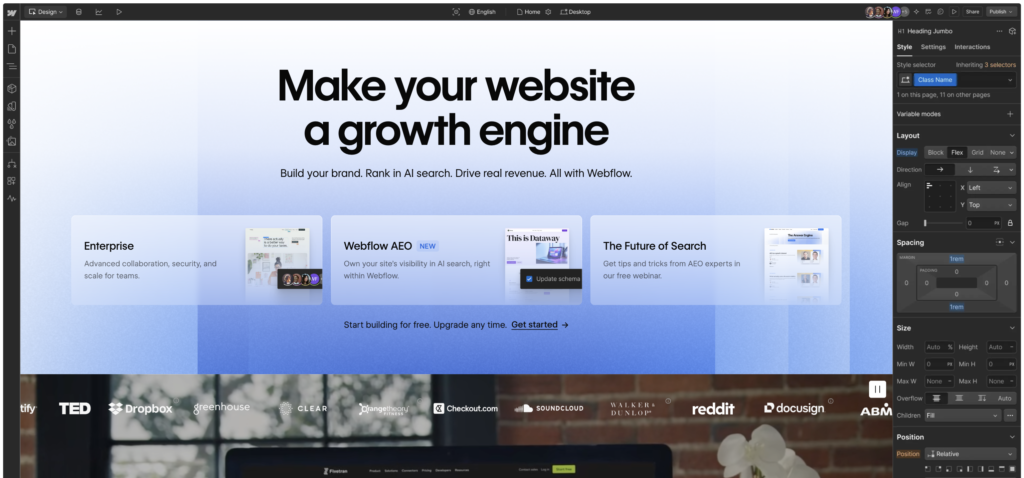
That depends on who is using it. Webflow is built on the logic of HTML and CSS. The visual editor maps directly to how websites are actually structured in code, which is powerful if you understand that layer and frustrating if you do not. You are not just dragging elements around. You are making decisions about layout modes, flexbox containers, and breakpoints, whether you realize it or not.
For a design agency or a developer who builds client sites regularly, that structure is the whole point. It produces clean, exportable code and complex responsive layouts that no simple drag-and-drop builder can match.
For a small business owner who needs to update their homepage or add a new service page, it is often the wrong tool. The learning investment rarely pays off at that scale. Most small businesses need a site that converts visitors, not a site that impresses other designers.
That is not a knock on Webflow. It is just a recognition that tools should match the person using them and the problem being solved. If you are searching for webflow alternatives for small business, you are probably already past this point and looking for a clearer path forward.
The Best Webflow Alternatives for Small Business
Framer: Best for Design-Forward Sites Without the Webflow Complexity
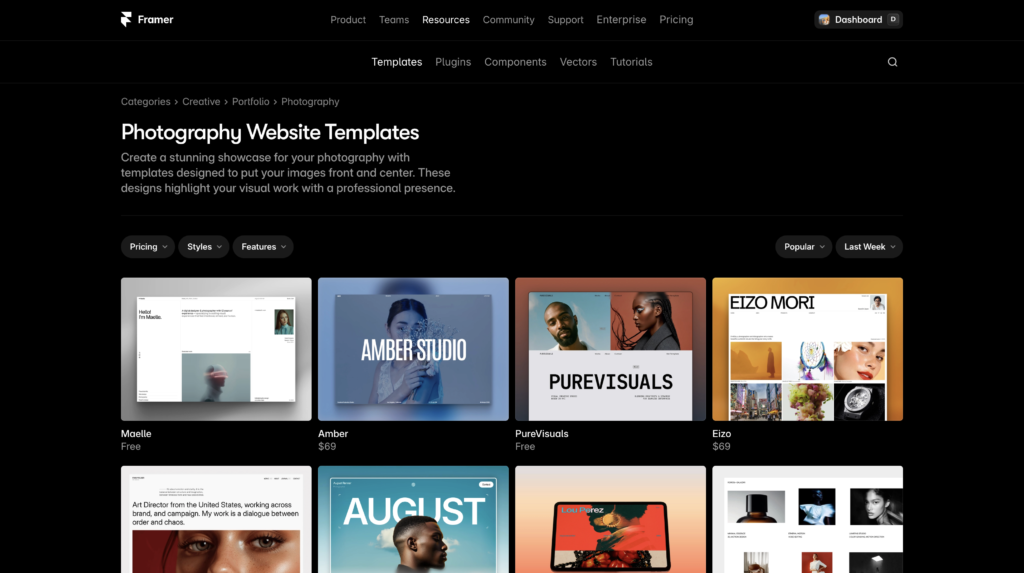
If what you wanted from Webflow was the design quality and the modern aesthetic, but not the learning curve, Framer is the closest match among webflow alternatives for small business. It is genuinely one of the strongest options for owners who care about how their site looks and want a tool that can keep up with current design trends.
Framer uses a layout system that feels closer to a design tool than a traditional builder. Components, variables, and responsive breakpoints are all there, but the interface is more visual and the path from idea to published page is faster. AI content and image tools are built in, which helps non-designers get to a polished result more quickly.
The CMS is capable enough for a blog, a portfolio, or a product catalogue, though it does not match Webflow’s depth for complex content structures. For most small business sites, that is not a limitation you will hit.
Among the webflow alternatives for small business, Framer has the freest entry point: pricing starts at free for a single site with Framer branding, with paid plans from around $20 per month for a custom domain. If you are ready to try it,
Try Framer free and see how far you get before committing to a paid plan.
Best for: service businesses, studios, consultants, and anyone who prioritizes brand identity and visual differentiation.
Squarespace: Best for a Polished Site with Minimal Setup
Squarespace earns its reputation. The templates are well-designed, the editor is genuinely intuitive, and the gap between opening an account and having a site that looks professional is shorter than almost any other platform. Among webflow alternatives for small business that need to go live quickly, Squarespace is the most reliable option.
It handles the things most small businesses actually need: a homepage, services or products, a contact form, a blog, and an email list connection. Squarespace’s SEO tools are solid and have improved significantly over the past few years. Ecommerce is fully built in and does not require third-party plugins.
The honest limitation is customization. Of all the webflow alternatives for small business, Squarespace works best when you work within the template system rather than fighting it. If you have very specific layout requirements or want animations that go beyond the built-in options, you will hit walls. For most small businesses, those walls do not matter.
Pricing starts at around $25 per month on annual billing. There is no free plan, but the trial period is long enough to build a full test site before you pay.
Best for: local businesses, photographers, service providers, restaurants, and any business where a beautiful, low-maintenance site is the priority.
Wix: Best for Small Businesses That Need Built-In Apps and Flexibility
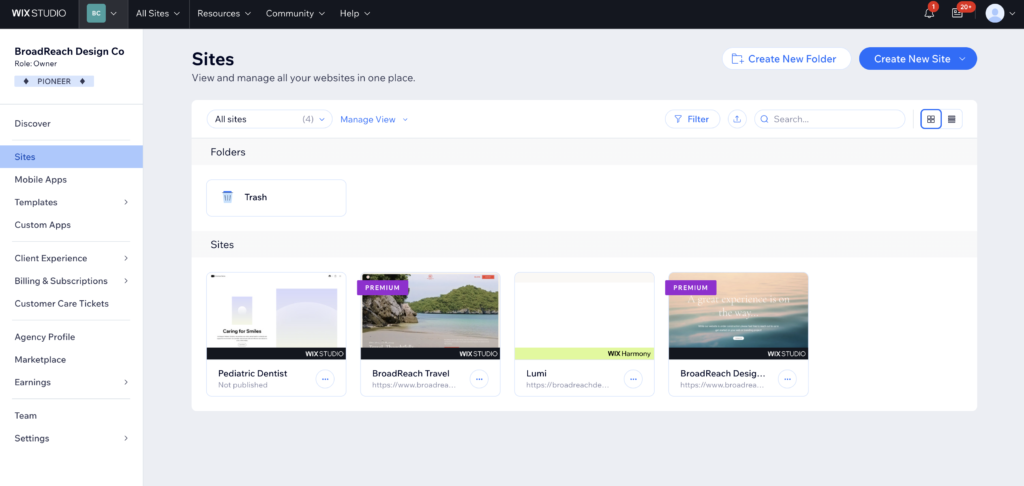
Wix has the largest built-in app market of any website builder, which matters more than it sounds. If your business needs online booking, a restaurant menu system, events ticketing, or a membership area, Wix either has it natively or has a first-party solution that works without third-party integrations.
The editor is more flexible than Squarespace and is a solid option among webflow alternatives for small business with complex functional requirements. That freedom can produce messy results if you are not deliberate about it, so starting from a quality template and sticking close to it is usually the smarter approach.
For deep-dive Wix coverage, including how it holds up for professional and client work,
this review of Wix for professional websites covers the trade-offs in detail.
Pricing starts around $17 per month. A free plan exists but comes with Wix branding and a subdomain, which is not appropriate for a business site.
Best for: businesses with specific booking, events, or app requirements, and owners who want maximum layout control.
WordPress: Best for Content-Driven Growth and Long-Term SEO
WordPress is not a website builder the way Framer or Squarespace are. It is a content management system with a hosting requirement, a setup process, and an ongoing maintenance overhead. That context matters before recommending it as one of the webflow alternatives for small business. The setup overhead is real, and for owners who want to manage their own site, it often creates more problems than it solves.
Where WordPress earns its place among webflow alternatives for small business is content volume and long-term SEO. If you are planning a blog-driven strategy, if your business will publish dozens of articles over the next year, or if you want complete control over your site’s technical SEO, no hosted builder competes with WordPress at scale. The plugin ecosystem is unmatched.
The realistic starting cost is around $4 to $10 per month for hosting, plus a premium theme and potentially some paid plugins. Factor in setup time or the cost of a developer to configure it correctly, and WordPress is not actually the cheap option it appears to be at face value.
Best for: businesses with a serious content strategy, bloggers, and anyone who already has WordPress experience or access to someone who does.
Webflow Alternatives for Small Business Compared
Here is how the four main webflow alternatives for small business stack up across the factors that matter most for most owners.
| |
Framer |
Squarespace |
Wix |
WordPress |
| Best For |
Modern, design-first sites |
Polished, quick launch |
Feature-rich SMB sites |
Content-driven SEO growth |
| Learning Curve |
Medium |
Low |
Low |
Medium-High |
| Starting Price |
Free / $20/mo |
~$25/mo |
$17/mo |
$4–10/mo + extras |
| Design Control |
★★★★ |
★★★ |
★★★ |
★★★★★ |
| Framer |
| Best For |
Modern, design-first sites |
| Learning Curve |
Medium |
| Starting Price |
Free / $20/mo |
| Design Control |
★★★★ |
| Squarespace |
| Best For |
Polished, quick launch |
| Learning Curve |
Low |
| Starting Price |
~$25/mo |
| Design Control |
★★★ |
| Wix |
| Best For |
Feature-rich SMB sites |
| Learning Curve |
Low |
| Starting Price |
$17/mo |
| Design Control |
★★★ |
| WordPress |
| Best For |
Content-driven SEO growth |
| Learning Curve |
Medium-High |
| Starting Price |
$4–10/mo + extras |
| Design Control |
★★★★★ |
How to Choose the Right Webflow Alternative for Small Business
The most common mistake when evaluating webflow alternatives for small business is selecting the tool with the most impressive feature list rather than the one that fits the actual situation. Here is how to think about it instead.
Start with who will maintain the site, not who will build it. If you are going to update pages, swap out photography, and add new offers yourself, the tool needs to be something you can operate without a tutorial every time. That alone eliminates Webflow and often WordPress for most small business owners.
Next, think about what your site needs to do beyond looking professional. A booking system, a product catalogue, a membership area, and a simple brochure site are all different problems. Match the tool to the function. Wix handles business functions better than almost anyone. Framer handles brand identity better than almost anyone. Squarespace sits reliably in the middle.
Finally, think about budget over three years, not three months. A $20 per month tool that your team actually uses beats a $40 per month tool that requires an agency every time something needs changing. When you look at webflow alternatives for small business this way, the right answer usually becomes clear quickly. It is not about which tool has the best marketing. It is about which tool fits the actual situation.
For a head-to-head look at how Framer specifically stacks up against Webflow,
this Framer vs Webflow comparison covers the design, CMS, and pricing differences in detail.
Frequently Asked Questions
Is Webflow too complicated for small business owners?
For most small business owners, yes. Webflow is built on CSS layout logic, which requires either a design or development background to use effectively. It is the right tool for agencies and developers building complex client sites. For a business owner who needs to maintain their own site, the learning investment rarely makes sense. That is why so many people look for webflow alternatives for small business.
What is the easiest alternative to Webflow?
Squarespace has the lowest learning curve of any serious website builder. Among webflow alternatives for small business, it is the one where you can go from sign-up to a live, professional-looking site in a single afternoon without any prior experience. The trade-off is a customization ceiling, but most small businesses do not hit that ceiling.
Is Framer better than Webflow for a small business?
In most cases, yes. Framer gives you comparable design quality with a faster path to a finished site. It works especially well for businesses where visual identity is a differentiator, because it gives you real design control without requiring you to understand CSS box models. It also starts free, which matters when you are still figuring out what your site needs to do. For a full comparison, read the
Framer vs Webflow breakdown.
Do webflow alternatives cost less?
Often, yes. Webflow’s paid plans start around $23 per month for basic features, and the cost increases quickly as you add CMS items and team members. Most webflow alternatives for small business are priced more accessibly: Framer starts free, Wix starts at $17 per month, Squarespace starts around $25 per month, and WordPress on a basic host can run $4 to $10 per month, though that excludes premium themes and plugins. The total cost of ownership depends on what you need.
Can I switch from Webflow to Framer or Squarespace later?
You can, but website migrations are almost always a rebuild rather than a simple transfer. Content can be copied. Design needs to be reconstructed in the new platform. If you are still researching webflow alternatives for small business, it is worth choosing the right tool now rather than planning to move later. A migration is a real time and cost investment.
The Bottom Line on Webflow Alternatives for Small Business
Webflow is not the wrong tool. It is the wrong tool for most small business owners who need a site that works, not a site that showcases what a builder can theoretically do. The webflow alternatives for small business listed here cover every real use case at a lower learning cost.
If design quality matters and you want the closest thing to Webflow’s output without the complexity, Framer is the starting point.
Try Framer free and see how far you get before you need to think about a paid plan. If you need something live quickly and reliably, Squarespace is the most consistent performer. If your business has complex functional needs like booking, memberships, or events, Wix covers that ground better than anyone. And if content volume and SEO are the long-term strategy, WordPress is still the answer.
The best website is the one your business can actually use and update. Pick the tool that fits that reality, not the one with the longest feature list.
This article contains affiliate links. If you purchase through our links we may earn a small commission at no extra cost to you. We only recommend tools we have personally used or thoroughly researched.