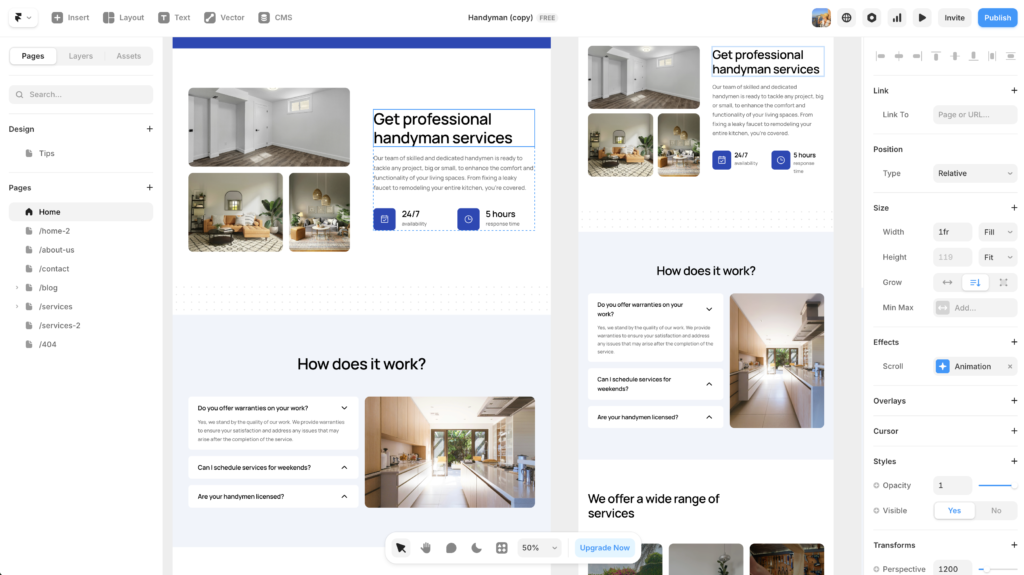
Framer’s AI site builder can get you from blank canvas to something live in under a minute. This Framer AI review 2026 focuses on that AI layer specifically: what it actually delivers, and what it still needs from you. Whether that something is any good depends almost entirely on what you put in. It started as a prototyping tool designers used to impress clients with interactions nobody could actually build. Then it quietly became a real website builder. And now, with Wireframer sitting front and centre in the interface, it is making a more specific claim: describe your site in plain language and we will build it for you.
The short version is that it works. But “works” needs a lot of context.
The Short Version
Framer’s AI site builder generates a responsive, multi-section layout from a text prompt in under 60 seconds. Prompt quality is everything. Vague inputs produce forgettable, generic results, while a well-structured brief with brand direction and specific section requirements produces a genuinely useful starting point. Expect to do real design work after generation; this is not a one-click website, it is a fast first draft. Read more below for the full Framer AI review.
What Is Framer’s AI Site Builder?
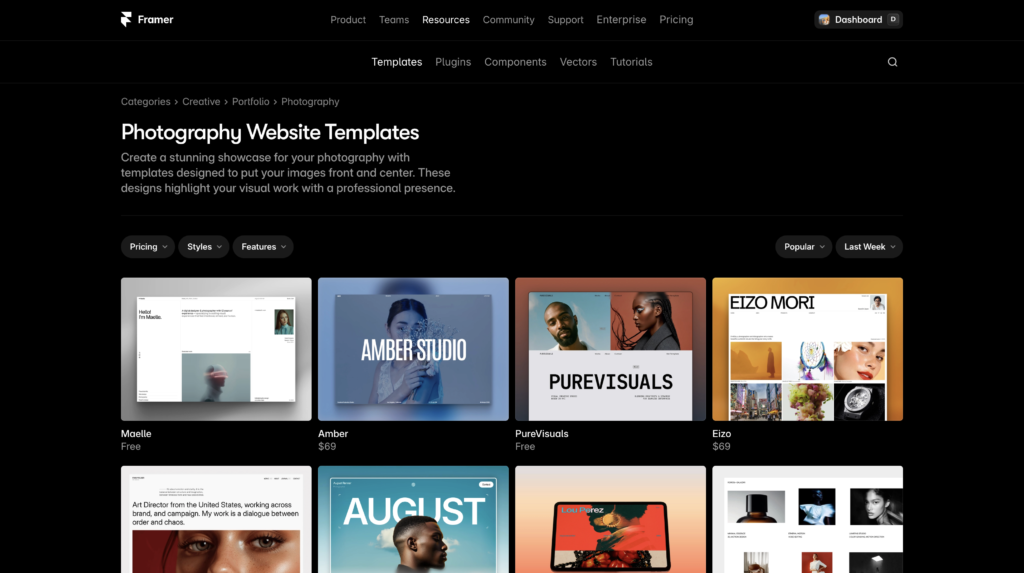
Framer’s AI generation feature is called Wireframer. You find it by opening a new project, clicking Insert in the top-left corner, and selecting Wireframer from the panel. A chat prompt appears. You describe what you want, and within 30 to 60 seconds Framer returns a complete, responsive layout with copy, section hierarchy, and basic navigation in place.
The feature is not a separate product or a bolt-on plugin. It is woven into the main canvas, so anything Wireframer generates can be edited directly in Framer’s visual editor — the same editor that feels more like Figma than any page builder has a right to. That integration matters more than it might seem. The gap between “generated site” and “editable site” is zero friction.
In addition to Wireframer, Framer also has a tool called Workshop, which generates individual React components from a prompt inside the editor. Ask it for a pricing table, a testimonial carousel, or a clock that shows local time, and you get a working component on the canvas in seconds. The two tools together cover the main phases of building a site: structure first, then the individual pieces that fill it out.
Wireframer handles the site skeleton; Workshop handles the components. Together, they compress a day’s worth of setup work into about an hour.
First Impressions: The Framer AI Experience in 2026
The first time you use Wireframer, the speed is genuinely surprising. Type something reasonably specific and watch a complete layout assemble itself on the canvas in under a minute. It is hard not to be impressed. The output is responsive by default, which is more than you can say for a lot of human-built starting templates.
However, the second time you use it, you start to notice the ceiling. Generic prompts produce generic sites. “A landing page for a SaaS product” produces something that looks like it was assembled from a mood board of every SaaS homepage from 2021. Dark hero section, floating feature cards, a testimonial row, a CTA. Technically competent, aesthetically forgettable.
That gap between impressive and generic is where the real skill in using Framer AI lives. The tool is not failing when it produces something bland, it is reflecting the brief you gave it. As a professional designer, that should feel familiar. A client who says “make it look good” gets a different result than one who shows up with a reference board, a brand voice document, and strong opinions about whitespace.
The same principle applies here. In our testing, a prompt like “portfolio for a brand identity designer, dark background, editorial feel, case study layout with large image blocks and minimal body copy, no stock photography placeholders” produced something genuinely worth editing. The structure was solid, the hierarchy made sense, and the copy placeholders were at least genre-appropriate. Starting from that took a fraction of the time it would take to build from scratch.
Try Framer free and test Wireframer for yourself.
How to Write a Framer AI Prompt That Actually Works
This is the part most reviews skip, and it is arguably the most useful thing in a Framer review 2026. The AI will not compensate for an unclear brief. That means your prompt quality is a direct multiplier on the output quality.
A prompt that works well covers four things. First, the type of site: portfolio, SaaS landing page, studio site, product launch page. Second, the visual direction: light or dark, editorial or friendly, minimal or rich. Third, the specific sections you need: hero, about, work samples, pricing, contact. Fourth, any content constraints worth mentioning: no stock photography, short copy blocks, large whitespace.
What you do not need to include is a colour palette or font preferences. Framer will make those calls and you will likely change them afterward anyway. Focus the prompt on structure and feel, not surface details.
One practical note: Wireframer responds well to specificity around the audience for the site. “Landing page for a freelance copywriter targeting B2B tech startups” gives the AI enough context to make sensible copy decisions. “Website for a freelance writer” leaves too much open and the result is almost always bland.
The strongest outputs come from prompts that describe a person, a context, and a mood, not just a site type.
Key Features: Beyond the AI Generator
A fair Framer review 2026 has to go beyond the headline AI feature, because Wireframer is only as useful as the editor it feeds into. Here is what stands out in the rest of the platform.
Visual Editor
Framer’s canvas genuinely feels like designing in Figma. Freeform layout, auto-layout containers, and responsive breakpoints all behave the way a designer expects. If you have spent time in Figma, you will feel at home within a session or two. If you come from Squarespace or Wix, the learning curve is steeper than you might expect, but the level of control you gain in exchange is real.
Animations and Interactions
This is where Framer has always had an edge, and it still does. Scroll-triggered animations, hover effects, and entrance transitions are first-class features, not afterthoughts. You get the kind of interaction quality that would require a developer and a lot of custom code in most other builders. For design-forward marketing sites and portfolios, this matters a great deal. It is the difference between a site that looks built and a site that feels alive.
Built-in CMS
Framer’s CMS handles blogs, portfolios, and product listings through collections and dynamic pages. It works well for most marketing site use cases. The limitation worth flagging: the entry-level paid plan (Basic) ships with only one CMS collection, which is not enough for most real sites. A blog and a portfolio section alone would require two. In practice, the Pro plan at $30 per month (billed annually) is the realistic minimum for anyone doing serious work. That said, for a site this polished, $30 a month is a reasonable ask. You can explore the full feature set on Framer’s free tier before committing to a cent.
Start on Framer’s free plan. No credit card needed.
AI Translation
Framer includes built-in AI translation for multilingual sites. Additional locales cost roughly $20 to $25 per month each depending on your plan, which adds up quickly if you are building for multiple markets. For single-language sites, it is irrelevant. For agencies with international clients, it is worth knowing the cost before you quote the project.
Who Should Use Framer in 2026?
Framer’s AI site builder is particularly well-suited to a specific kind of project and a specific kind of person. If you recognise yourself in the list below, it is probably worth your time:
- Best for: Designers or founders who want a high-quality marketing site live fast and are willing to spend time editing a generated starting point rather than building from zero.
- Best for: Freelancers building portfolio or studio sites where animation quality and visual polish matter.
- Best for: Startup teams who need a landing page done in a day and have enough brand direction to write a decent prompt.
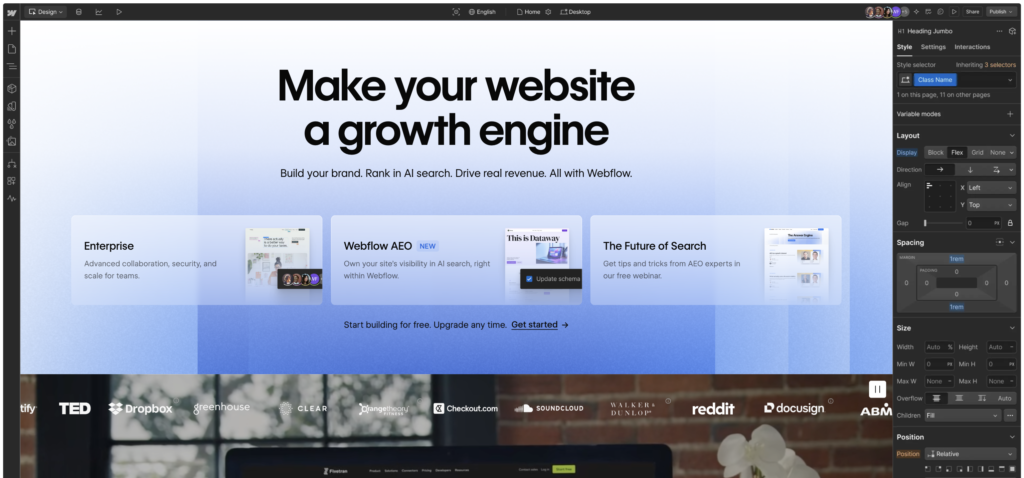
- Less suited to: Anyone who needs a content-heavy site, e-commerce, or complex CMS logic. Framer’s CMS is capable but not deep. For that work, Webflow has more infrastructure.
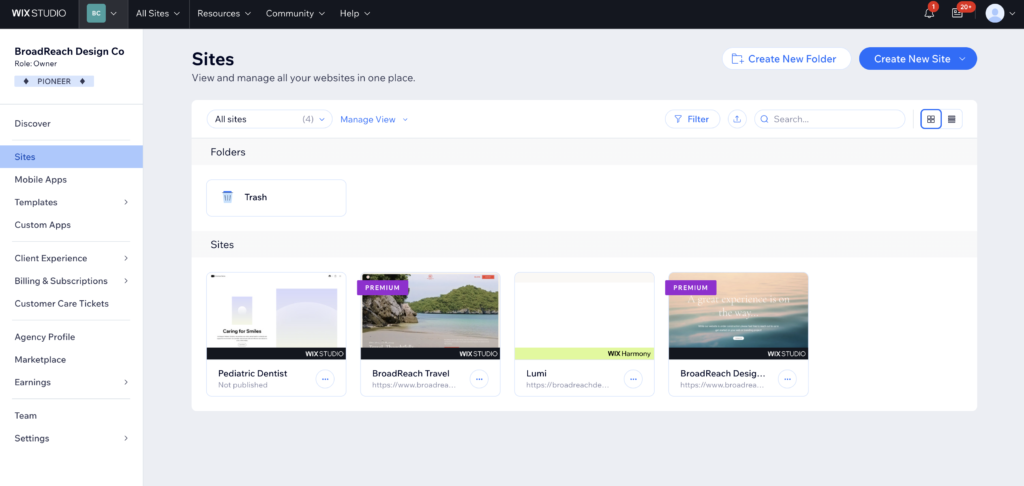
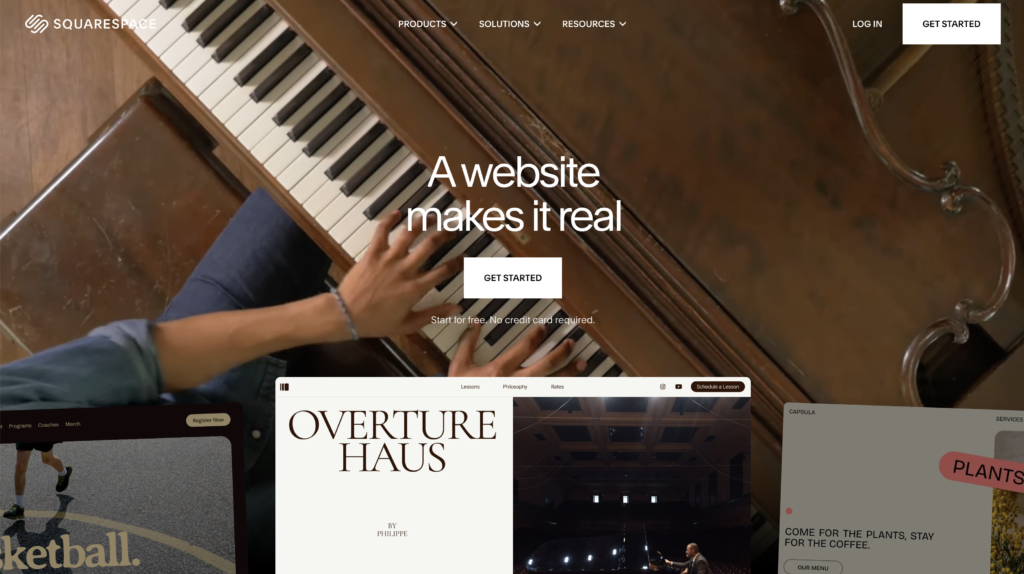
- Less suited to: Clients or users who are not comfortable editing inside a freeform canvas. The interface rewards design literacy; it does not hide complexity the way Squarespace or Wix does.
For a deeper comparison of Framer against its closest competitor, the Framer vs Webflow breakdown on The Designer Review covers both tools in detail.
Framer Pricing 2026: What You Actually Pay
Framer’s pricing is worth reading carefully, because the sticker price and the real cost diverge more than the pricing page suggests.
Plan | Annual Price | Monthly Price | CMS Collections | Best For
|
|---|---|---|---|---|
Free | $0 | $0 | 10 | Testing and prototypes (no custom domain) |
Basic | $10/mo | $15/mo | 1 | Simple personal sites (limited CMS) |
Pro | $30/mo | $45/mo | 10 | Professional portfolios and marketing sites |
Scale | $100/mo | Annual only | 20 | High-traffic sites, agencies, large teams |
The hidden costs are where things get complicated. Editor seats are charged separately: $40 per additional editor per month on the Pro plan. If you are handing a client editing access, that is an extra $40 on top of the $30 plan cost. Additional locales run $20 to $25 each per month. Agencies managing multiple client sites pay per site with no volume discount. Ten client sites on Pro costs $300 a month before any seat or locale additions.
For most individual designers and small studios, Pro at $30 per month is the right answer. For anyone running a client-facing agency on Framer, run the real numbers before you commit. The per-site, per-seat pricing model compounds quickly.
For more context on how Framer stacks up against the alternatives on SEO, the website builder SEO guide covers the nuances worth knowing before you choose a platform.
The Verdict: Framer AI Review 2026
Framer’s AI site builder is genuinely impressive. It is fast, the output is responsive, and the integration with the editor means you never hit a wall going from generated to customised. For designers who come in with a clear brief and enough brand direction to write a proper prompt, it shaves real time off the early phases of a project.
The limitation is not the tool. The limitation is the brief. Vague prompts produce generic output. That is not a criticism of the AI — it is an observation about how the tool works in practice. You need to show up with something to work with, and the quality of what you put in sets a ceiling on what comes out.
The pricing is competitive for individual use but worth modelling carefully for agency work. The CMS is capable for most marketing site needs but limited in depth compared to Webflow for complex content structures.
For marketing sites, portfolios, and SaaS landing pages where visual quality matters, Framer in 2026 is one of the strongest options available — provided you respect what the AI needs from you to do its best work.
If you have not tried it, the free plan gives you full access to Wireframer and Workshop with no custom domain. That is enough to know whether it belongs in your workflow. Try Framer free and see what your brief produces.
Quick Stats |
|
|---|---|
AI Site Generator | Wireframer (text prompt to full layout) |
Generation Speed | 30 to 60 seconds for a full layout |
Free Plan Available | ✓ (no custom domain) |
Paid Plans From | $10/mo (Basic, billed annually) |
Realistic Starting Plan | Pro at $30/mo (annual) for most real sites |
CMS Included | ✓ (collections and dynamic pages) |
Best For | Marketing sites, portfolios, SaaS landing pages |
Not Ideal For | Complex CMS, e-commerce, non-designers |
Affiliate Program | 50% recurring for 12 months, 90-day cookie |
Frequently Asked Questions: Framer AI Review 2026
Is Framer’s AI site builder good enough to use for real client work?
Yes, with a caveat. Wireframer produces a strong structural starting point when you give it a detailed, specific prompt. It is not a finished site — it is a first draft with responsive layout, copy placeholders, and section hierarchy already in place. For most marketing sites and landing pages, that first draft is genuinely useful and saves significant setup time. Plan to spend real time editing after generation.
What is Wireframer and how does it differ from regular Framer AI?
Wireframer is Framer’s full site generation tool. You access it from the Insert panel in a new project, type a description of your site, and receive a complete responsive layout within a minute. Framer also has a tool called Workshop, which generates individual React components from a prompt. The two work together: Wireframer builds the page structure, Workshop fills in specific components. Both are included across Framer’s plans including the free tier.
What makes a good Framer AI prompt?
The strongest prompts describe the site type, the visual mood, the specific sections you need, and the audience the site is for. “Portfolio for a brand identity designer, dark editorial aesthetic, case study pages with large image blocks, about section, and minimal contact form” produces much better output than “portfolio website.” Colour and font preferences do not need to be in the prompt; those are faster to change manually after generation.
Does Framer work for non-designers?
The AI generation lowers the barrier to getting something on screen, but the visual editor is genuinely complex. It rewards design literacy. If you are comfortable with freeform layout tools, responsive breakpoints, and auto-layout logic, Framer feels natural. If your experience is mostly with drag-and-drop builders like Squarespace or Wix, the learning curve is real. The AI gets you started quickly; editing the output still requires time in the editor.
How does Framer’s pricing compare to Webflow in 2026?
For an individual professional building a single site, Framer’s Pro plan at $30 per month (annual) is generally cheaper than Webflow’s equivalent tier. The pricing model diverges significantly for agencies: Framer charges per site with no volume discount, which compounds quickly across a large client portfolio. Webflow’s workspace model can be more economical at scale. For a detailed comparison, the Framer vs Webflow guide covers both in full.
This article contains affiliate links. If you purchase through our links we may earn a small commission at no extra cost to you. We only recommend tools we have personally used or thoroughly researched.