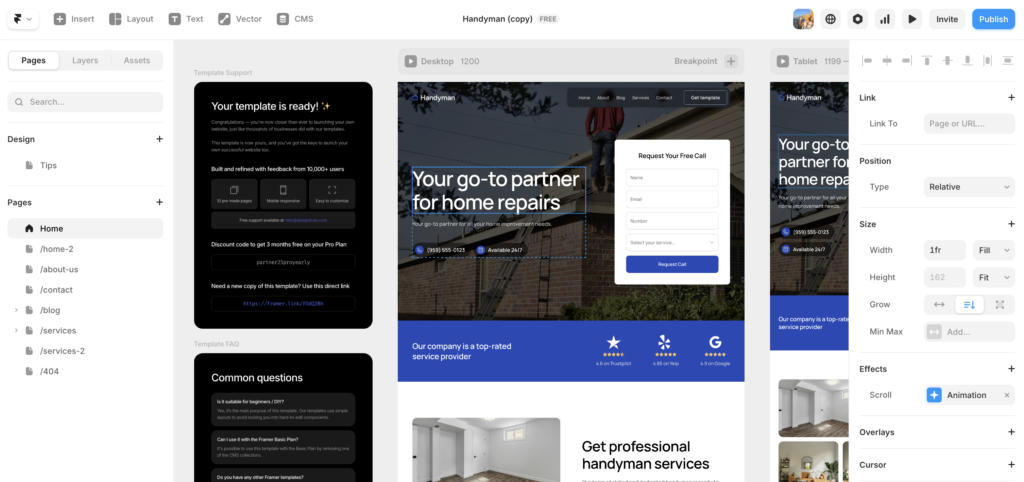
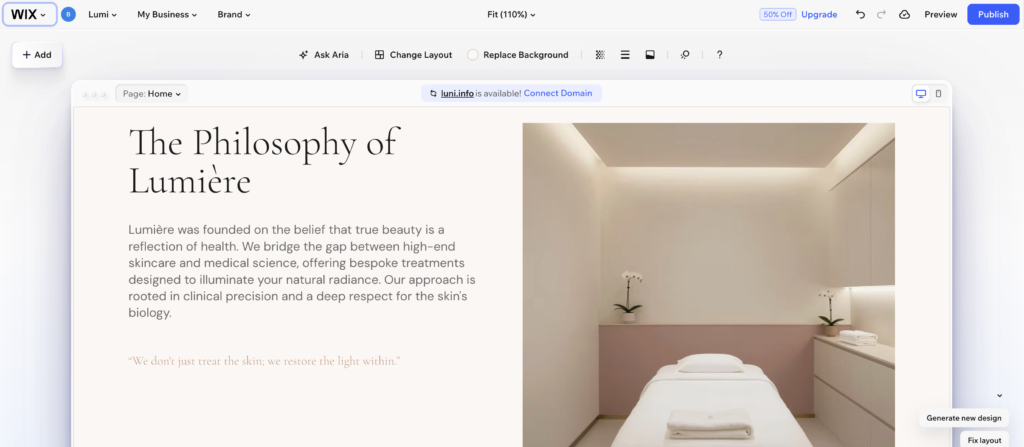
Choosing between Wix vs Squarespace vs WordPress is one of the most genuinely confusing decisions in web design. A working web designer who has built real client sites on all three cuts through the noise.
If you have been going back and forth on this decision, you are not overthinking it. This is genuinely one of the most consequential choices you will make for your website. Pick the wrong platform and you could find yourself rebuilding from scratch six months down the road. Based on real experience building client sites on all three, here is the honest verdict with no agenda attached.
TL;DR: The Short Version
Wix is best for small businesses and beginners who need flexibility fast. Squarespace is best for creatives and visual-first projects where design is everything. WordPress is best for serious bloggers, SEO-focused sites, and anything that needs to scale over time. In the Wix vs Squarespace vs WordPress debate, there is no single winner. The right answer depends entirely on who is building the site and who will be maintaining it.

Wix vs Squarespace vs WordPress: Who Each Platform Is Built For
Before diving into the detail on each platform, it helps to understand the fundamental philosophy behind each one in the Wix vs Squarespace vs WordPress comparison. These are not interchangeable tools with slightly different interfaces. They are built around completely different assumptions about who is using them and what they need.
Wix assumes you want maximum freedom with minimal technical knowledge. Squarespace assumes you want beautiful results with minimal design decisions. WordPress assumes you want unlimited power and are willing to earn it.
That framing matters more than any feature comparison, because it tells you immediately which platform matches how you actually think and work.
The most important question in the Wix vs Squarespace vs WordPress debate is not which platform is best overall. It is which platform is best for you specifically.
Wix vs Squarespace vs WordPress: Ease of Use
Ease of use is where the three platforms diverge most dramatically, and it is worth being direct about what that actually means in practice.
Wix is the most beginner-friendly of the three. The drag-and-drop editor is genuinely intuitive, the template library is enormous, and everything from booking tools to ecommerce to email marketing lives under one roof. In 2026, Wix has also leaned into AI in a meaningful way. The AI site builder can get you a working draft in minutes, which makes it even more accessible for people starting from zero. For a small business owner who needs a professional website without a steep learning curve, Wix is a smart and reliable choice.
That said, Wix’s freedom is also its risk. Because the editor lets you drag almost anything anywhere, it is easy to end up with something that looks inconsistent if you do not have some design instinct. The guardrails are looser than Squarespace, which works well for experienced users but can trip up complete beginners.
Squarespace sits in the middle. The editor is polished and refined, and it actively steers you toward a visual framework that makes it very hard to build something that looks bad. The trade-off is less flexibility. You work within Squarespace’s structure rather than around it. For most users, that constraint is a feature rather than a limitation.
WordPress has the steepest learning curve of the three by a significant margin. You manage hosting separately. You choose and install a theme. You add plugins for functionality. You handle updates, backups, and basic security. None of this is impossible, but none of it is invisible either. WordPress rewards people who are comfortable under the hood, and it punishes people who expect a plug-and-play experience.
For a detailed look at how Wix and Squarespace specifically compare on ease of use, the Wix vs Squarespace guide on this site goes deeper on the nuances between those two.
On ease of use: Wix wins for beginners, Squarespace wins for creatives who want guardrails, WordPress wins for technical users who want total control.
Wix vs Squarespace vs WordPress: Design Quality
Design quality is where Squarespace has historically owned the conversation in the Wix vs Squarespace vs WordPress comparison, and that reputation is still largely earned in 2026.
Squarespace templates are genuinely beautiful. The typography is considered, the spacing is generous, and the visual hierarchy is strong. Coming back to Squarespace after a gap of a few years for a photographer portfolio project, the improvement was noticeable. Layering elements, building sections, and getting things to feel polished all worked better than expected. The client was thrilled, and the site looked exactly the kind of effortlessly beautiful that photographers need their portfolio to be.
Wix has closed the gap meaningfully. The template library has expanded, the quality has improved, and the AI-assisted design tools help users make better visual decisions than they would on their own. Wix is no longer the ugly stepsibling in the design conversation. However, it still requires more deliberate effort to produce something that looks as refined as a well-built Squarespace site.
WordPress design quality depends entirely on your theme and your ability to customize it. A well-built WordPress site with a premium theme and careful configuration can look exceptional. A hastily assembled WordPress site with a generic theme looks generic. The ceiling is higher than either Wix or Squarespace, but so is the floor when things go wrong.
On design quality: Squarespace leads for out-of-the-box polish, Wix is a strong second, and WordPress depends almost entirely on the theme and the person building it.
Wix vs Squarespace vs WordPress: SEO Capabilities
SEO is where the Wix vs Squarespace vs WordPress comparison gets most consequential for anyone building a site that needs to rank in Google. The differences here are real and meaningful, not marketing noise.
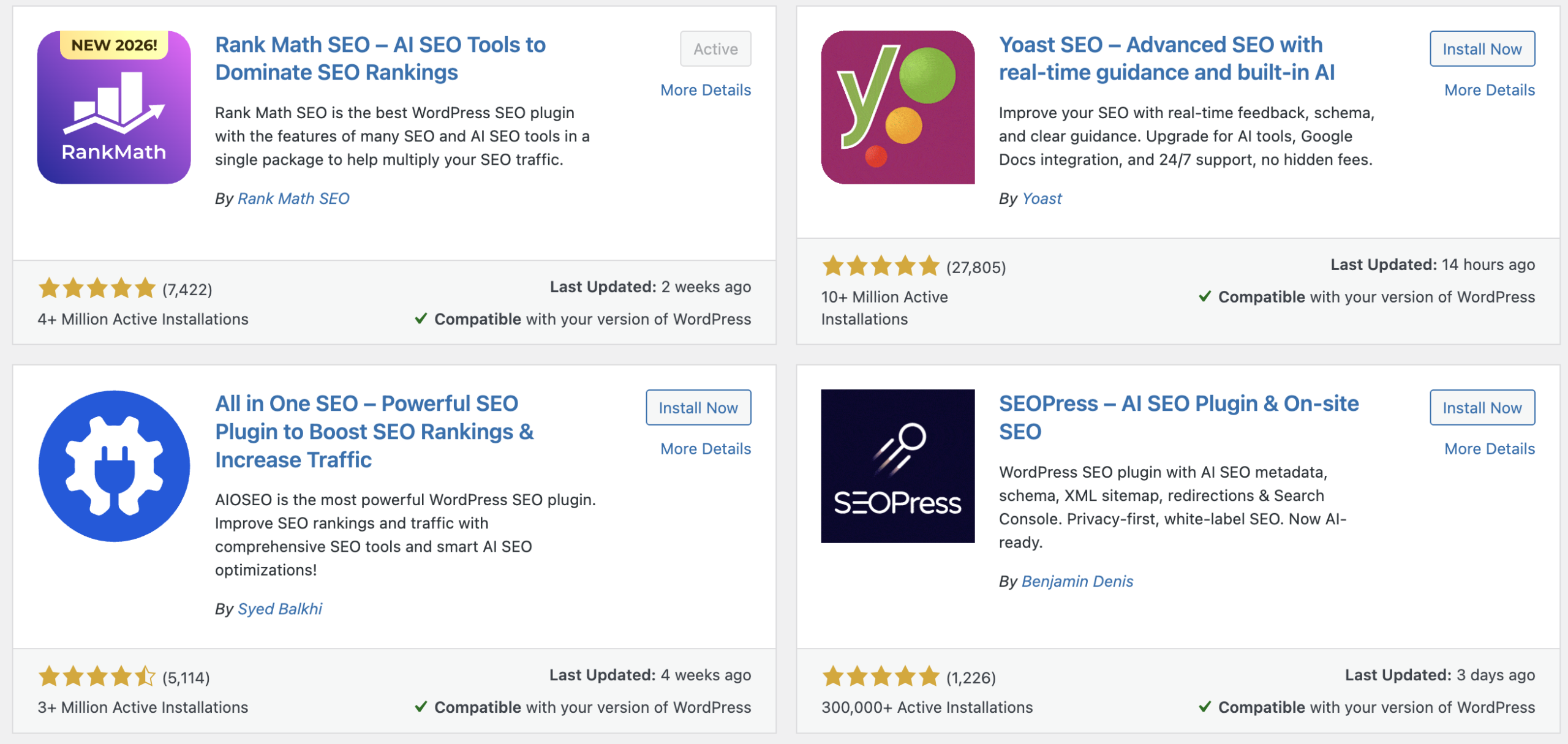
WordPress is the clear leader on SEO. The combination of clean permalink structures, granular control over metadata, powerful plugins like Rank Math or Yoast SEO, schema markup options, and the ability to optimize every technical detail of a page gives WordPress an SEO ceiling that neither Wix nor Squarespace can match. For content-heavy sites, blogs, and any project where ranking in search is a primary goal, WordPress is the right tool.
Wix has improved its SEO tools significantly over the past few years and should not be dismissed for SEO the way it once was. For most small businesses trying to rank locally or for less competitive keywords, Wix SEO is more than good enough. The platform handles page speed reasonably well, gives you control over meta titles and descriptions, and generates clean enough code for Google to work with. The limitations show up at scale and in competitive niches where every technical advantage matters.
Squarespace sits close to Wix on SEO, with similar strengths and similar ceilings. The platform has made meaningful improvements but still lacks the granular control that serious SEO work requires. For a portfolio site or a local business that is not trying to compete for high-volume national keywords, Squarespace SEO is perfectly adequate.
For a detailed breakdown of how each platform handles SEO in practice, the website builder SEO guide on this site covers it thoroughly based on real client experience.
On SEO: WordPress wins clearly for serious content sites, Wix and Squarespace are comparable and sufficient for most small businesses.
Wix vs Squarespace vs WordPress: Pricing
Pricing in the Wix vs Squarespace vs WordPress comparison is more complicated than a simple monthly fee comparison, because the true cost of each platform includes hosting, plugins, themes, and ongoing maintenance.
Wix plans start at around $17 per month for a basic business site and go up to $35 per month for full ecommerce and advanced features. Everything is included in that price: hosting, SSL, templates, and the core feature set. There are no surprise costs unless you add premium apps from the Wix marketplace.
Squarespace pricing is similar, ranging from around $16 to $49 per month depending on your plan. Like Wix, hosting and core features are bundled. The pricing is straightforward and predictable, which suits the type of user Squarespace attracts.
WordPress itself is free, but that number is misleading. You will pay separately for hosting (typically $5 to $30 per month depending on quality), a premium theme (often $50 to $100 one-time), and any premium plugins your project requires. A well-configured WordPress site typically costs between $20 and $60 per month in total, comparable to Wix and Squarespace. However, it also requires more ongoing time investment for maintenance, updates, and troubleshooting that the hosted platforms handle automatically.
On pricing: all three platforms are comparable in monthly cost. WordPress has hidden costs in time and technical overhead that Wix and Squarespace do not.
Wix vs Squarespace vs WordPress: Ecommerce
If selling online is part of your plan, ecommerce capability matters in the Wix vs Squarespace vs WordPress comparison, and the platforms differ meaningfully here.
Wix ecommerce is genuinely strong for small to medium stores. The product management tools are intuitive, the checkout experience is clean, and the platform supports physical products, digital downloads, subscriptions, and bookings. For a small business selling a manageable number of products, Wix handles ecommerce well without requiring technical expertise.
Squarespace ecommerce is polished and well-integrated with the rest of the platform. Products look beautiful in Squarespace stores because the visual design system extends into the shopping experience. The limitation is depth: Squarespace ecommerce suits stores with simpler inventory and straightforward selling needs. Complex shipping rules, large catalogs, and advanced inventory management can push against its limits.
WordPress with WooCommerce is the most powerful ecommerce option of the three. WooCommerce is free, extensible through hundreds of plugins, and can handle virtually any ecommerce requirement at any scale. The trade-off is setup complexity and ongoing maintenance. For a serious ecommerce operation where scale and customization matter, WordPress and WooCommerce is the right choice. For a simple store attached to a marketing site, either Wix or Squarespace is easier and more than adequate.
On ecommerce: Wix and Squarespace suit simple to medium stores, WordPress with WooCommerce is the right choice for complex or large-scale selling.
Wix vs Squarespace vs WordPress: Side-by-Side Comparison
Here is how all three platforms stack up across the areas that matter most in the Wix vs Squarespace vs WordPress decision.
Category | Wix | Squarespace | WordPress
|
|---|---|---|---|
Ease of use | ★★★★★ Excellent | ★★★★☆ Very good | ★★☆☆☆ Steep curve |
Design quality | ★★★★☆ Good | ★★★★★ Excellent | ★★★☆☆ Depends on theme |
SEO capability | ★★★☆☆ Good | ★★★☆☆ Good | ★★★★★ Excellent |
Flexibility | ★★★★☆ High | ★★★☆☆ Medium | ★★★★★ Unlimited |
Pricing | ★★★★☆ $17-35/mo | ★★★★☆ $16-49/mo | ★★★☆☆ Free + hosting |
Ecommerce | ★★★★☆ Strong | ★★★☆☆ Good for small stores | ★★★★★ Best at scale |
Best for | Beginners and SMBs | Creatives and portfolios | Bloggers and developers |
Wix vs Squarespace vs WordPress: Which Should You Actually Choose?
The most useful question to ask yourself in the Wix vs Squarespace vs WordPress decision is not which platform has the best features. It is who will be maintaining the site on a day-to-day basis after it launches.
If it is a non-technical client or a small business owner who just needs it to work without thinking about it, Wix or Squarespace are the right answers. If the project is visually driven, like a portfolio, a restaurant site, or a creative brand, Squarespace is probably the stronger pick of those two. If the client needs booking tools, ecommerce, or a more flexible feature set, Wix edges ahead.
If it is you, and you are comfortable getting your hands a little dirty, WordPress is worth every minute of the setup. The SEO ceiling is simply higher, and the platform grows with you in a way the others do not. The WordPress review on this site gives an honest take on what returning to the platform actually looks like after time away.
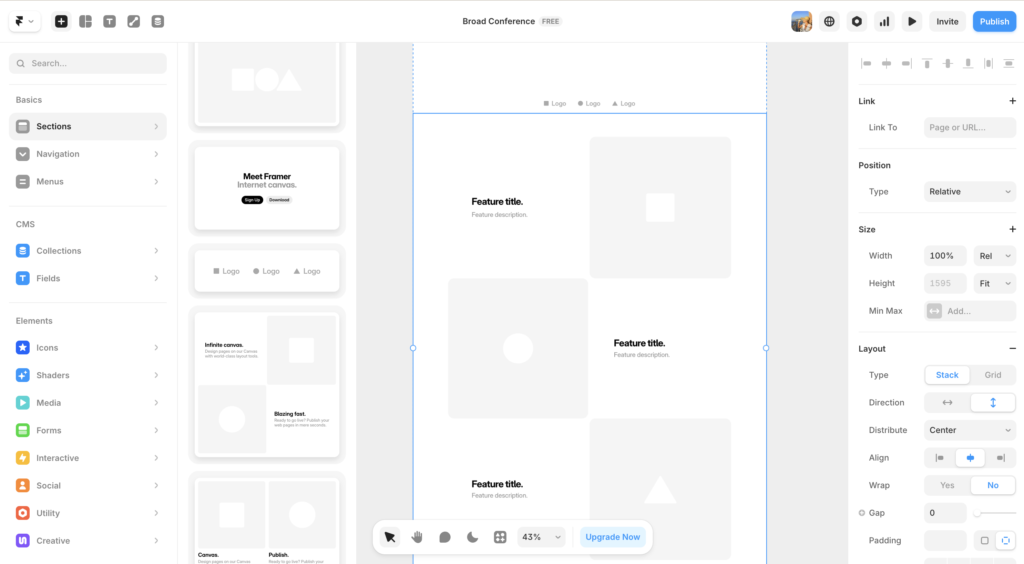
For anyone who wants a broader view of the landscape including platforms like Webflow and Framer, the best website builders for small business guide covers all the major options in one place.
The right choice in Wix vs Squarespace vs WordPress comes down to one thing: match the platform to the person who will live in it day to day, not to the feature list.
Wix vs Squarespace vs WordPress: Frequently Asked Questions
Which is better for beginners: Wix, Squarespace, or WordPress?
Wix is the most beginner-friendly of the three. The drag-and-drop editor requires no technical knowledge, the AI site builder can get you a working draft in minutes, and everything from domains to email marketing is managed in one place. Squarespace is a close second for beginners who prioritize design. WordPress is not recommended for complete beginners without technical support, as it requires managing hosting, themes, plugins, and updates independently.
Is WordPress better than Wix for SEO?
For serious SEO work, yes. WordPress with a plugin like Rank Math gives you granular control over every technical SEO detail: schema markup, canonical tags, breadcrumbs, XML sitemaps, and page-level optimization scoring. Wix has improved significantly and is adequate for most small businesses, but it does not match WordPress when SEO is a primary goal. If you are building a content-heavy site where ranking in Google is essential to your business model, WordPress is the right choice.
Is Squarespace worth it in 2026?
Yes, for the right use case. Squarespace remains the best out-of-the-box design experience of the three platforms. For photographers, creative agencies, restaurants, event companies, and anyone building a visually driven site, Squarespace produces beautiful results faster than Wix or WordPress. The limitations show up on SEO, ecommerce depth, and third-party integrations. For a portfolio or brand site where aesthetics are the priority, Squarespace is absolutely worth it.
Can you switch from Wix or Squarespace to WordPress later?
You can, but it is not seamless. There is no one-click migration between these platforms. Moving from Wix or Squarespace to WordPress typically involves manually recreating pages, exporting and reformatting content, and rebuilding your design from scratch in the new environment. It is doable, but it takes real time and effort. This is one more reason to choose the right platform upfront rather than planning to migrate later.
Which platform is best for small businesses?
Wix is the strongest all-round choice for most small businesses in 2026. It combines ease of use, a comprehensive feature set, solid ecommerce, and enough SEO capability for local and regional businesses to get found. Squarespace is the better choice if your brand is visually driven and design matters more than features. WordPress is worth considering if your business model depends on content marketing and SEO, and you have either the technical skills or a developer to help with setup.
What is the cheapest option: Wix, Squarespace, or WordPress?
WordPress is technically free, but the total cost including hosting, a premium theme, and essential plugins typically lands between $20 and $60 per month, comparable to Wix and Squarespace paid plans. Wix starts at around $17 per month. Squarespace starts at around $16 per month. All three are similar in actual monthly spend for a properly configured site. The real cost difference is time: WordPress requires significantly more ongoing maintenance than either Wix or Squarespace.
This article contains affiliate links. If you purchase through our links we may earn a small commission at no extra cost to you. We only recommend tools we have personally used or thoroughly researched.