Finding the best website builders for small business owners is genuinely overwhelming. Wix, Squarespace, Webflow, WordPress, Shopify, Framer: everyone has an opinion and most of those opinions come from people who have never actually built a website for a real business. Based on years of building real client sites across all of these platforms, here is what actually matters.
TL;DR: The Short Version
For most small businesses, Wix is the best starting point in 2026. It is fast, affordable, and handles almost every business need without technical knowledge. Squarespace wins if design is your top priority. WordPress wins if SEO and long-term growth are the goal. Webflow and Framer are for designers who want professional-grade output. Shopify is for ecommerce-first businesses. Keep reading for the full breakdown.
What Makes the Best Website Builder for Small Businesses?
Before getting into the rankings, it is worth being clear about what a great website builder for small businesses actually needs to do. Feature lists are easy to find. What matters in practice is different.
The best website builders for small business get you online fast, because you have a business to run, not a course to take. They look professional without requiring a design degree. They handle contact forms, SEO, and analytics without needing a developer. They are affordable and easy to update yourself when things change. And they do not lock you into a workflow that breaks the moment your needs evolve.
With that framework in mind, here are the best website builders for small businesses in 2026, ranked by how well they serve real business needs rather than spec sheets.
The best website builder for small business is not the one with the most features. It is the one that matches how you actually work and what your business actually needs.
1. Wix — Best Overall for Small Businesses
If one website builder had to be recommended to the average small business owner, it would be Wix. It is not the most powerful tool on this list, but it hits every practical requirement a small business has and does it without requiring a developer or a course.
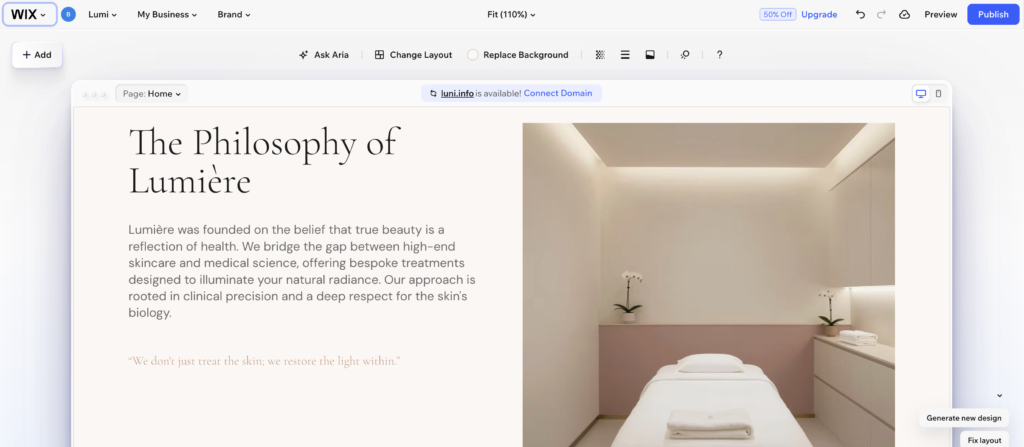
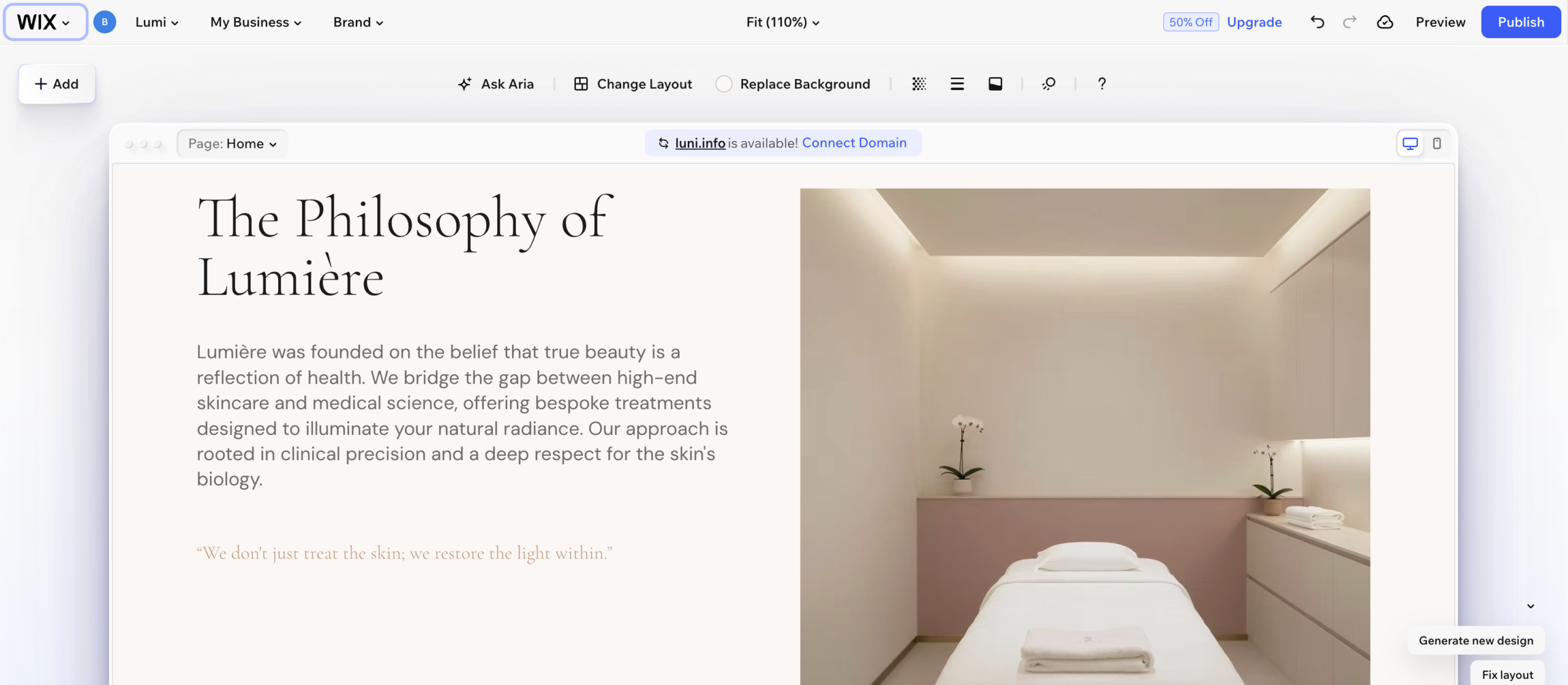
What makes Wix work so well for small businesses is the combination of flexibility and simplicity. The drag and drop editor is genuinely intuitive. If you have ever used PowerPoint or Canva you will feel at home within an hour. The template library covers every industry from restaurants to law firms to fitness studios. And once your site is live, updating it takes minutes rather than hours.
Wix also bundles a surprising amount of business functionality into the platform. Booking systems, ecommerce, email marketing, live chat, social media scheduling: it is all there and it all works together. For a small business that does not want to stitch together five different tools, this is genuinely valuable. In 2026, Wix has also leaned into AI in a meaningful way. The AI site builder can generate a working draft in minutes, making it even more accessible for people starting from zero.
Who Should Use Wix
Small business owners who want a professional website fast, have no design background, and want everything in one place. Restaurants, service businesses, local shops, consultants, and coaches will find Wix more than adequate.
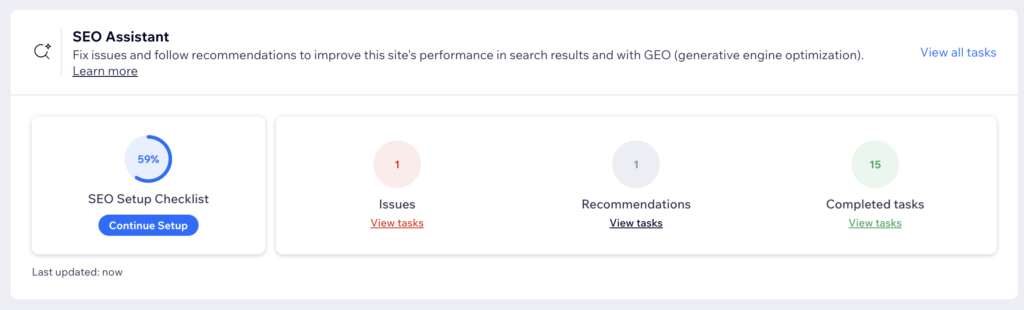
The downsides are real but manageable. Wix sites can feel templated if you do not put in design effort. The SEO tools, while improved significantly, still lag behind WordPress for content-heavy sites. And once you pick a template, switching means rebuilding from scratch, so choose carefully upfront.
For a detailed look at how Wix compares to its closest competitors, the Wix vs Squarespace guide and the Wix vs Webflow guide on this site cover both comparisons in depth.
Pricing: Plans start at around $17/month. For a proper business site, the Core plan at $29/month removes Wix branding and unlocks the full business tool set.
Wix is the best website builder for small businesses that need to get online fast without a steep learning curve.
2. Squarespace — Best for Design-Conscious Businesses
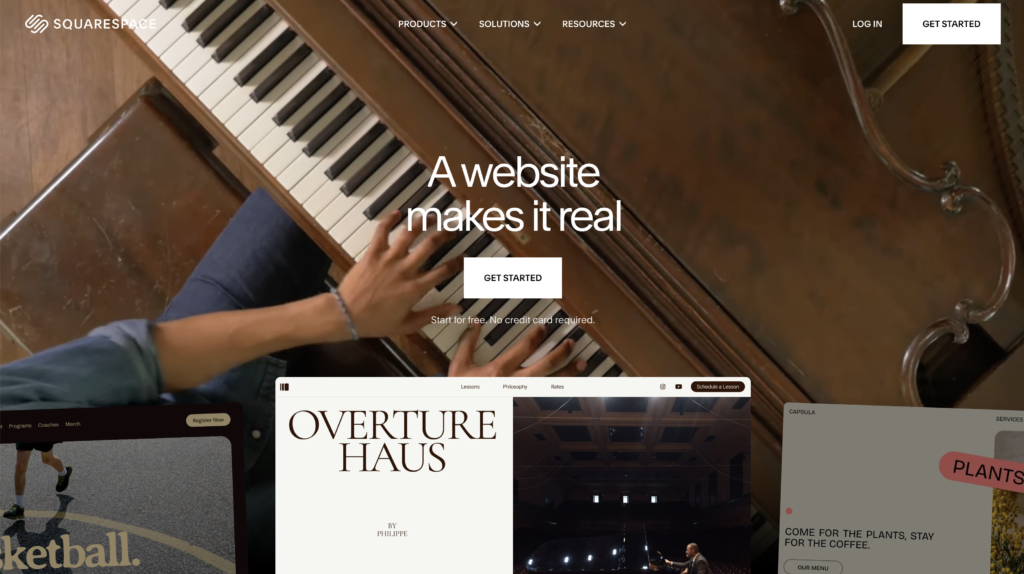
If how your website looks is a top priority, and for some businesses it absolutely should be, Squarespace is hard to beat. The platform has always punched above its weight on design, and in 2026 it remains the go-to for businesses where visual presentation is central to the brand.
Squarespace templates are genuinely beautiful straight out of the box. Photographers, architects, interior designers, boutique hotels, jewelry brands, and wedding vendors all benefit from Squarespace’s ability to make them look more expensive than they are. That is a meaningful competitive advantage for any business where the aesthetic experience matters.
Coming back to Squarespace recently for a photographer portfolio project after a number of years away, the improvement was noticeable. Layering elements, building sections, and getting things to feel polished all worked better than expected. The client was thrilled and the site looked exactly the kind of effortlessly beautiful that photographers need.
Who Should Use Squarespace
Creative businesses, photographers, designers, boutique brands, wedding vendors, and anyone whose first priority is looking beautiful online. Squarespace is slightly less flexible than Wix, but that structure is what keeps everything looking clean and intentional. It is harder to make a Squarespace site look bad than a Wix site, which matters if design is not your strong suit.
The main downsides are price and flexibility. Squarespace is more expensive than Wix at every tier. Third-party integrations are more limited. And for businesses with complex or unusual needs, the structured system can feel constraining.
Pricing: Plans start at $16/month. Most small businesses will land on the Business plan at $23/month.
Squarespace is the best website builder for small businesses where design quality is the primary competitive advantage.
3. WordPress — Best for Businesses Serious About Growth
WordPress is the most powerful option on this list by a significant margin and also the most demanding. It powers over 43% of all websites on the internet for a clear reason. Nothing else offers the same combination of flexibility, scalability, and SEO capability.
The honest truth about WordPress for small businesses is that the learning curve is real. Out of the box, a WordPress site requires more setup than Wix or Squarespace. You need to find hosting, install WordPress, choose a theme, install plugins, and configure everything yourself. For a non-technical business owner, this can be genuinely frustrating.
That said, once past the setup phase, WordPress is remarkable. The plugin ecosystem is unmatched. SEO capabilities with tools like Rank Math or Yoast SEO blow every other platform out of the water. And there is almost nothing you cannot build with the right configuration. If your business expects significant growth and your website needs to grow with it, WordPress is the only platform that will not hit a ceiling.
Who Should Use WordPress
Businesses serious about SEO, planning to publish a lot of content, expecting significant growth, or with more complex functionality needs. Also well-suited for businesses with a technical team member who can handle setup. For the full honest take on what returning to WordPress actually looks like in practice, the WordPress review on this site covers it in depth.
Pricing: WordPress itself is free. Hosting starts at around $3 to $4 per month. Budget $50 to $100 per year total for a professional setup including a premium theme.
WordPress is the best website builder for small businesses that are serious about SEO and content as a long-term growth strategy.
4. Webflow — Best for Design-Forward Businesses
Webflow sits in an interesting position on this list. It is not built for the average small business owner. It is built for designers and technically minded people who want professional-grade output without writing code. For the right business, it is extraordinary.
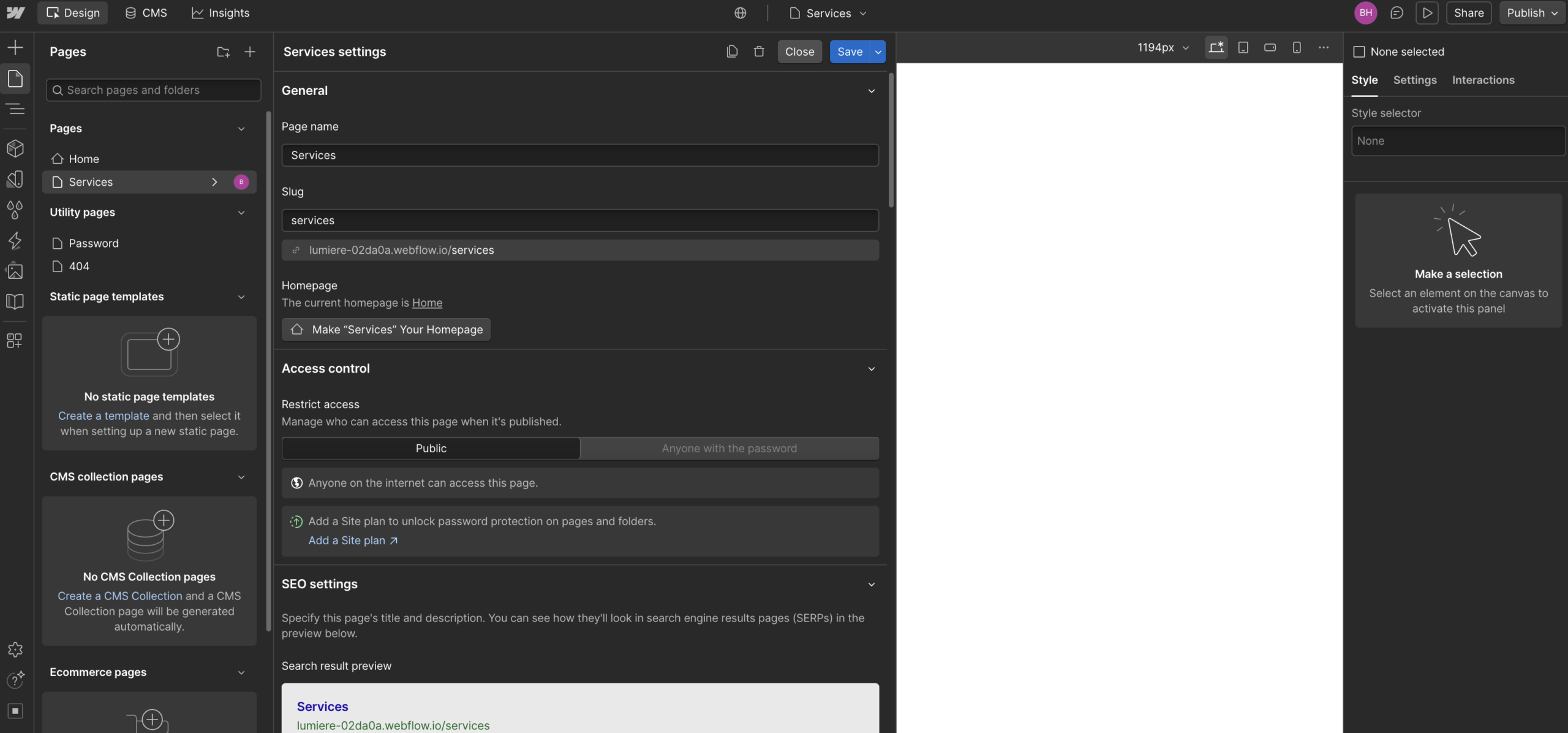
The level of design control Webflow offers is simply not available anywhere else at this price point. Every element on the page can be positioned, animated, and styled with precision that would otherwise require a custom developer. If your website is a core part of your brand experience, Webflow lets you achieve that without a six-figure development budget.
The learning curve is real. Webflow thinks in CSS terms: containers, flexbox, grid, padding, margins. If those concepts are unfamiliar, expect several weeks of learning before feeling comfortable. For a busy small business owner, that time investment may not be worth it. For a design studio, agency, or SaaS company where the site is central to the product, it almost certainly is.
For the full breakdown, the Webflow review on this site gives an honest hands-on assessment.
Who Should Use Webflow
Design studios, agencies, SaaS companies, and businesses where the website itself is a significant part of the product or brand experience. Not recommended for businesses that just need a functional online presence quickly.
Pricing: Site plans start at $14/month. Most small businesses will need the CMS plan at $23/month.
Webflow is the best website builder for design-forward businesses that want full creative control without hiring a developer.
5. Framer — Best for Designers Coming from Figma
Framer has emerged as a genuine contender in 2026, particularly for designers who already work in Figma and want the most natural path from design to published website.
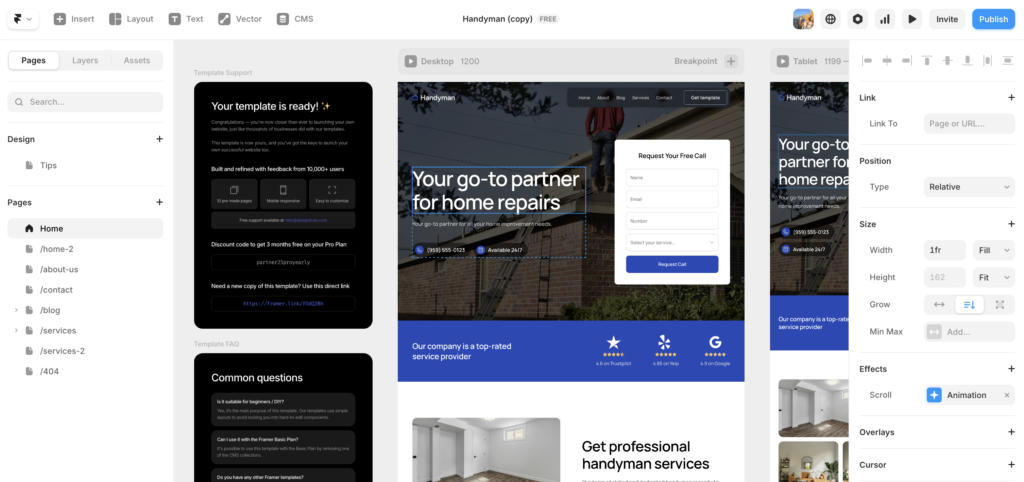
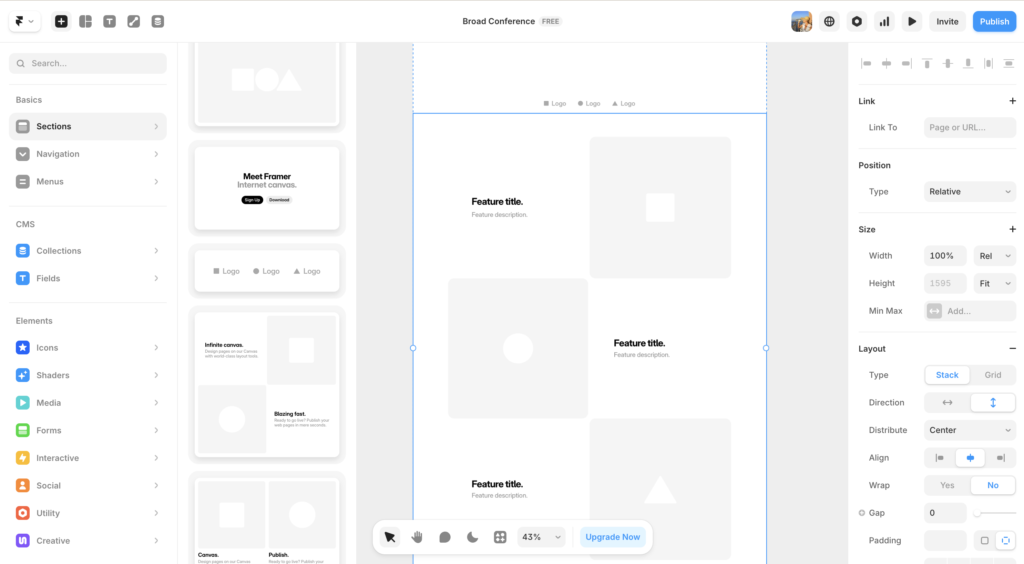
The Framer interface feels immediately familiar to anyone who has spent time in Figma. The canvas layout, the layers panel, the way elements are selected and manipulated: all of it maps closely to the Figma workflow. For a designer, this means being productive within a single session rather than spending weeks learning a new mental model.
Framer’s animation and interaction tools are genuinely best-in-class for a no-code platform. Scroll-triggered animations, hover states, and page transitions that would cost thousands in custom development can be built in Framer in hours. The output is fast, clean, and performs well on Core Web Vitals without additional optimization.
The limitations are real: the CMS is less capable than Webflow’s, advanced SEO configuration is limited, and client handoff can be less intuitive than Wix or Squarespace. For content-heavy sites or clients who need to manage their own content frequently, Framer is not the right fit. For marketing sites, portfolios, and brand sites where design quality is the priority, it is excellent.
The full assessment is in the Framer review on this site.
Who Should Use Framer
Designers who use Figma daily, freelancers building marketing sites and portfolios, and startups that need a visually impressive web presence without custom development overhead.
Pricing: Free plan available. Paid plans start at around $15/month for a basic site on a custom domain.
Framer is the best website builder for designers who want to go from Figma to published site with the least friction.
6. Shopify — Best for Ecommerce-First Businesses
If selling products online is the primary purpose of your website, Shopify belongs on this list even though it is technically an ecommerce platform rather than a general website builder.
Shopify is the gold standard for online stores. The checkout experience is optimized for conversion in ways the general website builders simply cannot match. Inventory management, shipping integrations, payment processing, and analytics tools are all built specifically for selling, not added as an afterthought. The app ecosystem for extending Shopify’s functionality is enormous.
The downside is that Shopify is overkill if ecommerce is just one part of your business rather than the whole thing. It is more expensive than the general website builders and for a service business or content site it makes little sense. Wix or Squarespace handle light ecommerce perfectly well at a lower price point.
Who Should Use Shopify
Businesses whose primary activity is selling physical or digital products online. If more than half of your website’s purpose is ecommerce, start with Shopify.
Pricing: Basic plan starts at $29/month.
Shopify is the best website builder for businesses whose primary purpose is selling products online at any scale.
Best Website Builders for Small Business: Side-by-Side Comparison
|
Platform |
Best For |
Ease of Use |
Starting Price |
SEO
|
|---|---|---|---|---|
|
Wix |
Most small businesses |
★★★★★ |
$17/mo |
★★★☆☆ |
|
Squarespace |
Creatives and portfolios |
★★★★☆ |
$16/mo |
★★★☆☆ |
|
WordPress |
SEO and content growth |
★★☆☆☆ |
~$4/mo + hosting |
★★★★★ |
|
Webflow |
Design-forward businesses |
★★★☆☆ |
$14/mo |
★★★★★ |
|
Framer |
Figma designers |
★★★★☆ for designers |
Free / $15/mo |
★★★☆☆ |
|
Shopify |
Ecommerce-first businesses |
★★★★☆ |
$29/mo |
★★★☆☆ |
Which Website Builder Is Best for Your Small Business?
For most small businesses the answer is Wix. It is fast, affordable, flexible enough for almost any business type, and does not require technical knowledge to get great results. Start there unless you have a specific reason not to.
If design is the highest priority and you are willing to pay a little more, Squarespace is the move. If you are serious about SEO and content marketing as a growth strategy, invest the time in WordPress. It will pay off. If you are a designer who wants professional-grade output without hiring a developer, choose between Webflow and Framer depending on whether you prioritize CMS depth or Figma familiarity. And if selling products is the primary purpose of your site, go straight to Shopify.
The most important thing is to match the platform to the person who will actually live in it day to day. The best website builder for your small business is the one you will actually use and update consistently over time.
Still unsure? The Wix vs Squarespace vs WordPress guide on this site goes deeper on the three most popular options for small businesses and helps you make the call based on your specific situation.
Best Website Builders for Small Business: Frequently Asked Questions
What is the easiest website builder for a small business?
Wix is the easiest website builder for most small businesses in 2026. The drag and drop editor requires no technical knowledge, the AI site builder can generate a working draft in minutes, and everything from booking to ecommerce to email marketing is managed in one place. Squarespace is a close second for small businesses that prioritize design over flexibility.
Which website builder is best for SEO?
WordPress is the clear leader for SEO among website builders. Combined with a plugin like Rank Math or Yoast SEO, WordPress gives you granular control over every technical SEO element including schema markup, canonical tags, XML sitemaps, and page-level optimization. Webflow is also strong on SEO fundamentals. Wix and Squarespace are adequate for most small businesses but do not match WordPress for serious content marketing and search visibility goals.
Is Wix good enough for a professional business website?
Yes, for most small businesses. Wix has improved significantly in recent years and produces professional results without requiring design or technical expertise. The template library is extensive, the business tools are comprehensive, and the pricing is competitive. The limitations show up at scale and in competitive SEO niches, but for the vast majority of small businesses, Wix is more than good enough.
How much does it cost to build a small business website?
Using a website builder, a professional small business site typically costs between $16 and $35 per month depending on the platform and plan. That covers hosting, SSL, templates, and core features. WordPress is the exception: the platform itself is free but you will pay separately for hosting ($4 to $30 per month), a premium theme (typically $50 to $100 one-time), and any premium plugins your project requires. Total costs across all platforms are broadly comparable for a properly configured site.
Can I build a small business website myself?
Yes, with Wix or Squarespace. Both platforms are designed specifically for non-technical users and produce professional results without coding knowledge. WordPress is also DIY-friendly but requires more setup and ongoing maintenance than most non-technical business owners want to handle without support. Webflow and Framer are best approached with some design background. If budget allows, working with a web designer for the initial build and then maintaining the site yourself is often the best of both worlds.
Which website builder has the best templates for small businesses?
Wix has the largest template library with options for virtually every industry and business type. Squarespace templates are fewer in number but consistently more polished and design-forward. WordPress has thousands of themes available from free to premium, with quality ranging widely. For most small businesses, Wix’s template variety makes it the most practical starting point, while Squarespace is the better choice when visual quality is the primary concern.
This article contains affiliate links. If you purchase through our links we may earn a small commission at no extra cost to you. We only recommend tools we have personally used or thoroughly researched.