If you have been trying to decide between Wix vs Webflow, you are not alone. It is one of the most common questions a working web designer gets, and the honest answer is that these two platforms are built for completely different people. This is not a “one is better” situation. It is a “which one is right for you” situation.
Based on years of building real client sites on both platforms, here is the unfiltered take on Wix vs Webflow in 2026. No affiliate-first conclusions. No theoretical comparisons. Just the honest verdict from someone who uses both tools for a living.
TL;DR: The Short Version
Wix wins for small business owners, beginners, and anyone who needs a professional site live quickly without a steep learning curve. Webflow wins for designers, developers, and anyone building complex client projects where design precision and clean code are the priority. In the Wix vs Webflow comparison, neither platform is objectively better. The right choice depends entirely on who is building the site and what the site needs to do.
Wix vs Webflow: The Core Difference
Before comparing features, it helps to understand the fundamental philosophy behind each platform in the Wix vs Webflow debate. These are not interchangeable tools with slightly different interfaces. They are built around completely different assumptions about who is using them.
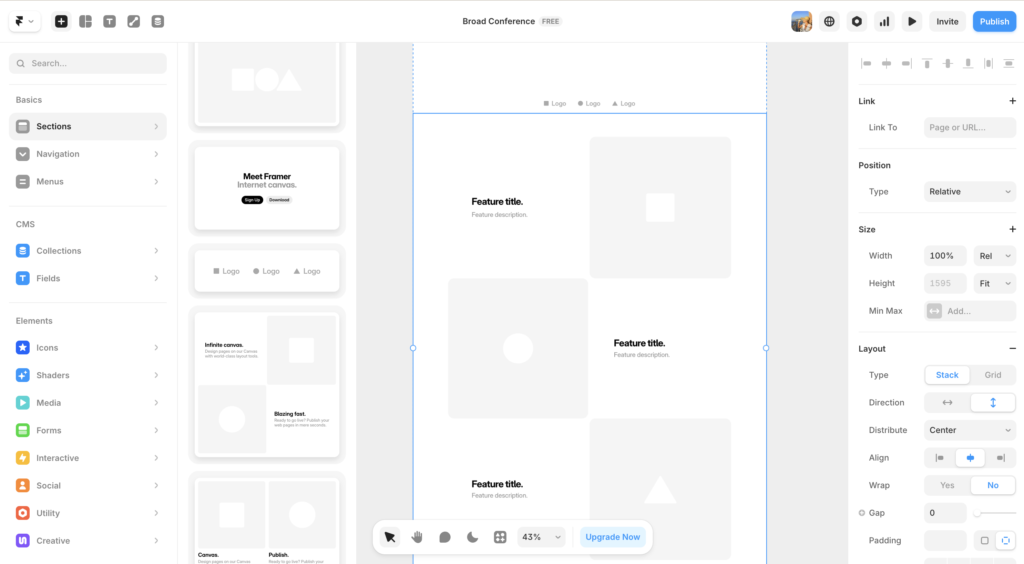
Wix is built for speed and accessibility. The platform assumes you want a professional result with minimal friction. It hides complexity, provides guardrails, and makes it genuinely difficult to build something that looks broken. For a small business owner or a freelancer just starting out, that is exactly what you need.
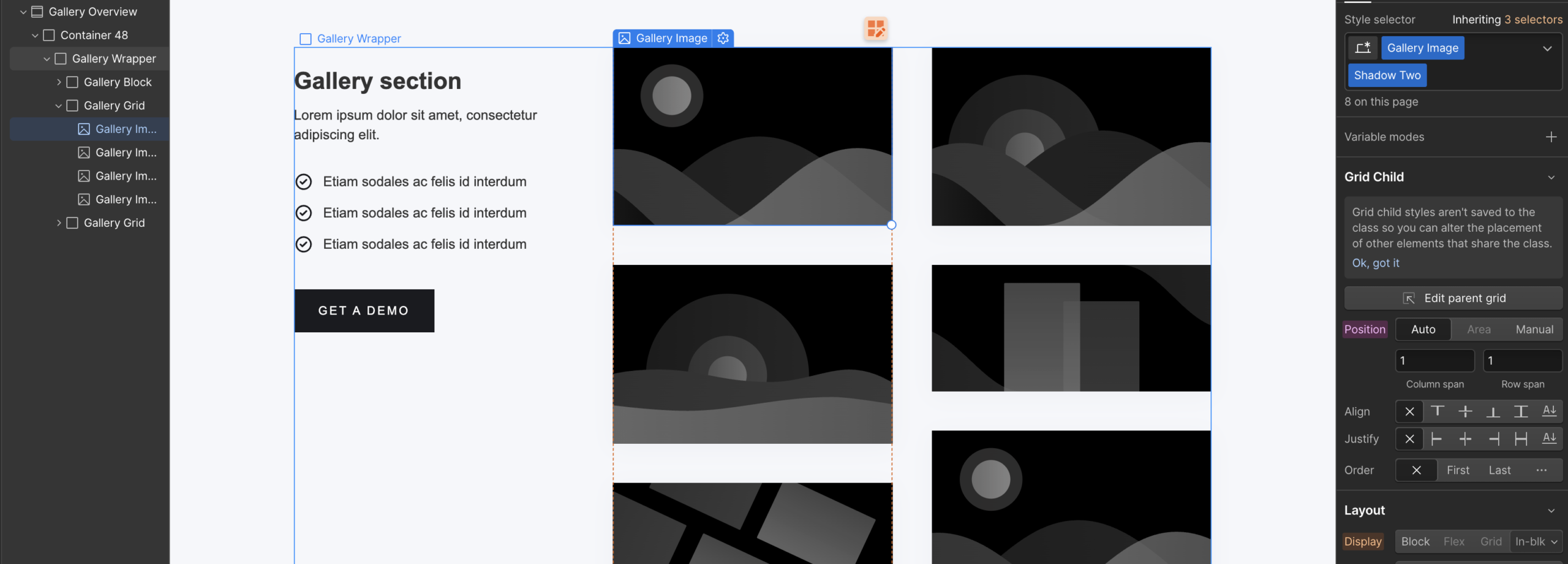
Webflow is built for control and precision. The platform assumes you understand web design fundamentals and want to translate that knowledge into a published website without writing code from scratch. It exposes CSS concepts directly, rewards design knowledge, and gives you a level of output quality that simply is not available in Wix at any price point.
Understanding this distinction makes the Wix vs Webflow decision much easier. You are not choosing between good and better. You are choosing between two tools designed for different jobs.
The Wix vs Webflow decision comes down to one question: are you building a website for your business, or are you building websites as your business?
Wix vs Webflow: Ease of Use
Ease of use is where Wix has the clearest advantage in the Wix vs Webflow comparison, and it is not close.
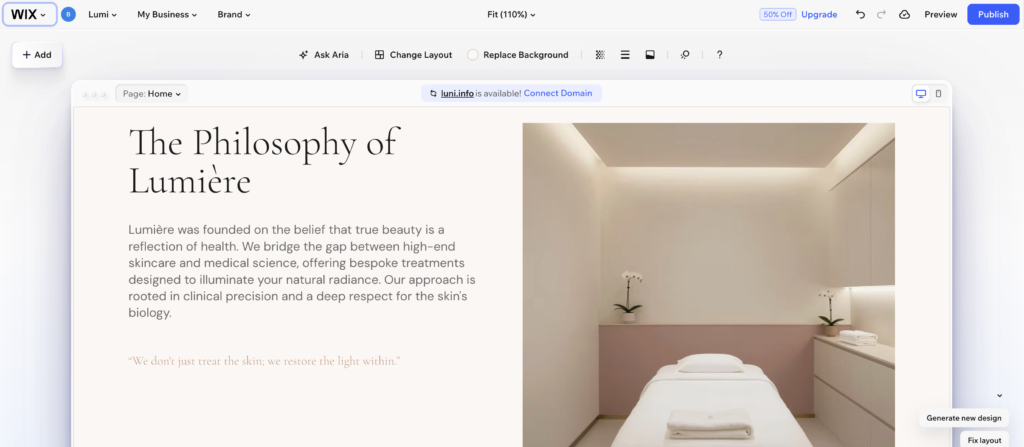
Wix’s drag and drop editor works the way your brain expects. You can select an element, move it, resize it, and style it without understanding anything about how CSS works underneath. The interface is forgiving. The templates are well-structured starting points. And the onboarding experience holds your hand through the parts that might otherwise feel overwhelming. Most people with no prior web design experience can have a functional, professional-looking site live within a day of opening Wix for the first time.
Webflow’s learning curve is in a different category. The platform is built around CSS concepts: the box model, flexbox, grid, padding, margins, and positioning. If those terms are unfamiliar, plan for several weeks of dedicated learning before feeling comfortable building confidently. Webflow University is free and genuinely excellent, but it requires real time investment to work through.
This is not a criticism of Webflow. The complexity is the point. The power that Webflow gives you is inseparable from the mental model it requires you to understand. Designers who already think in CSS find Webflow’s interface almost immediately intuitive. Complete beginners find it genuinely difficult.
For a deeper look at what the Webflow learning experience actually feels like in practice, the Webflow review on this site covers it in detail.
On ease of use: Wix wins clearly. If you need a website live this week, Wix is the answer.
Wix vs Webflow: Design Flexibility
Design flexibility is where Webflow dominates the Wix vs Webflow comparison, and the gap is significant.
Webflow gives you pixel-perfect control over every element on the page. Typography, spacing, layout, animations, hover states, scroll effects: all of it is configurable to a level of precision that would otherwise require a custom developer. The visual interface maps directly to real CSS, which means the output is clean, semantic code rather than bloated markup. Sites built in Webflow look and perform like custom-developed sites because in a very real sense they are.
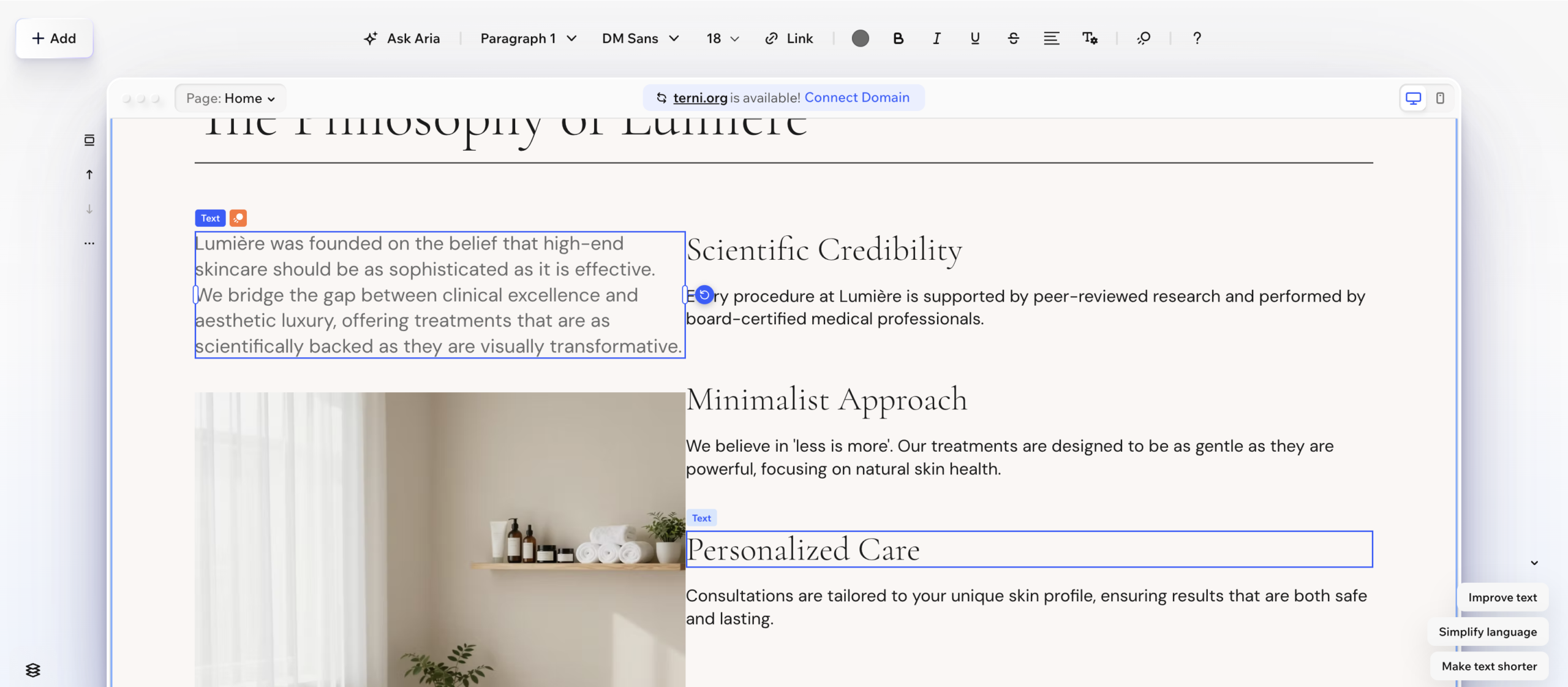
Wix design flexibility has improved meaningfully in recent years and should not be underestimated for most business use cases. The template library is extensive, the editor gives you genuine control over layout and styling, and the results look professional without requiring design expertise. However, there are real limits. You cannot always achieve the precise layout or interaction you have in mind. Some design choices are constrained by the template structure or the editor’s logic. For a business website, those constraints rarely matter. For a design-led brand where the site is a core part of the product experience, they matter a great deal.
Webflow also offers animation and interaction tools that are genuinely best-in-class for a no-code platform. Scroll-triggered animations, complex hover effects, and page transitions that feel custom-developed are all achievable in Webflow without writing JavaScript. Wix has added animation features in recent years but they do not come close to what Webflow offers designers who want motion as part of the experience.
On design flexibility: Webflow wins by a wide margin for anyone who needs professional-grade design control.
Wix vs Webflow: SEO Capabilities
SEO is another area where Webflow has a meaningful advantage in the Wix vs Webflow comparison, though the gap is less dramatic than it once was.
Webflow generates clean, semantic HTML that search engines respond well to. The platform gives you full control over meta titles, meta descriptions, canonical tags, URL structures, alt text, Open Graph settings, and header hierarchies. It generates automatic XML sitemaps, handles redirects cleanly, and produces pages that load fast by default on AWS and Fastly’s CDN infrastructure. Core Web Vitals scores on Webflow sites are consistently strong without additional optimization work.
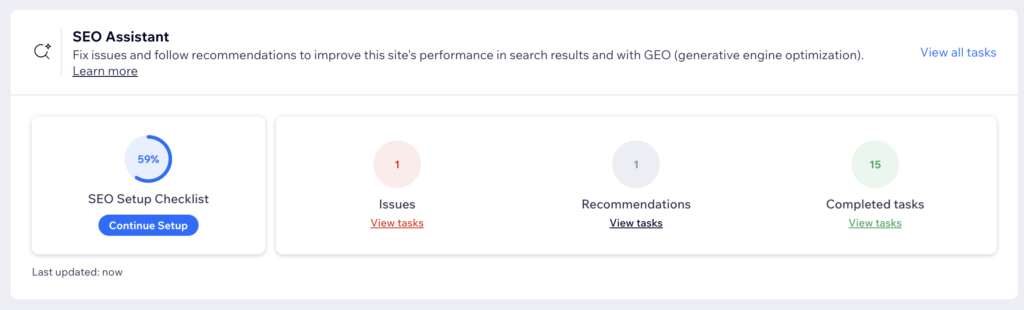
Wix SEO has improved substantially and for most small businesses it is more than adequate. You can control meta data, set up redirects, submit sitemaps, and optimize individual pages without technical knowledge. The platform handles the basics well. The limitations show up at scale and in competitive niches where every technical SEO advantage matters. For a local business or a small site with a manageable number of pages, Wix SEO will not hold you back.
For a detailed look at how both platforms handle SEO in practice, the website builder SEO guide on this site covers the specifics based on real client experience.
On SEO: Webflow has the technical edge, but Wix is sufficient for most small business SEO needs.
Wix vs Webflow: CMS and Content Management
Content management is an important consideration in the Wix vs Webflow comparison for anyone building a site that needs to scale its content over time.
Webflow’s CMS is genuinely powerful. You can create custom content types called Collections, define custom fields, and build dynamic pages that pull from that content automatically. A blog, a portfolio, a team directory, a product catalog: all of these can be built as structured CMS collections in Webflow and managed cleanly without touching the design after initial setup. For content-heavy sites, this is a significant advantage over basic website builders.
Wix also has a CMS called Wix Velo and a dynamic pages system, but it is less intuitive and less capable than Webflow’s for complex content structures. For a standard blog or a simple product listing, Wix handles content management well enough. For anything that requires custom data structures or complex relational content, Webflow’s CMS is the stronger tool.
It is worth noting that both platforms have CMS limitations compared to WordPress. For a serious content publishing operation, the WordPress review on this site is worth reading alongside this Wix vs Webflow comparison.
On CMS: Webflow wins for complex content structures, Wix is adequate for standard blogging and simple content needs.
Wix vs Webflow: Pricing
Pricing in the Wix vs Webflow comparison is closer than most people expect, though Webflow’s cost structure is more complex for agencies and freelancers managing multiple sites.
Wix plans start at around $17 per month for a basic business site and go up to $35 per month for full business tools. Everything is bundled: hosting, SSL, templates, and the core feature set. The pricing is straightforward and predictable. There is also a free plan, but it includes Wix branding and a subdomain and is not suitable for a professional site.
Webflow pricing has two tracks. Site plans cover hosting for a single published website, starting at $14 per month for a basic static site and $23 per month for the CMS plan that most real projects require. Workspace plans cover the design environment for building multiple projects, starting free for limited use and going up to $49 per month for unlimited projects. For a freelancer or agency managing multiple client sites, each site needs its own hosting plan on top of the workspace plan, which adds up quickly.
For a single business site, Wix and Webflow are comparable in monthly cost. For an agency workflow with multiple client sites, the total cost of Webflow is meaningfully higher, though the premium output quality typically justifies charging higher rates.
On pricing: Wix is simpler and more affordable for single sites. Webflow costs more at scale but justifies it for professional design work.
Wix vs Webflow: Ecommerce
Ecommerce is worth addressing specifically in the Wix vs Webflow comparison because the platforms differ significantly in their approach to selling online.
Wix ecommerce is genuinely strong for small to medium stores. Product management is intuitive, the checkout experience is clean, and the platform supports physical products, digital downloads, subscriptions, and bookings all within the same interface. For a small business adding a store to an existing site, Wix handles it well without requiring technical expertise or additional tools.
Webflow ecommerce allows for completely custom store designs with the same level of visual control that applies to the rest of the platform. Your product pages, collection pages, and checkout flow can all be designed from scratch, which produces stores that look genuinely unique rather than templated. The limitation is depth: Webflow ecommerce lacks the inventory management sophistication, shipping rule complexity, and app ecosystem that serious ecommerce operations need. For a design-led brand selling a manageable number of products, Webflow ecommerce is excellent. For a high-volume store, Shopify remains the stronger choice.
On ecommerce: Wix wins for most small businesses. Webflow wins for design-led brands where the shopping experience is part of the brand.
Wix vs Webflow: Side-by-Side Comparison
|
Category |
Wix |
Webflow
|
|---|---|---|
|
Ease of use |
★★★★★ Excellent |
★★★☆☆ Steep curve |
|
Design flexibility |
★★★☆☆ Good |
★★★★★ Exceptional |
|
SEO capability |
★★★☆☆ Good |
★★★★★ Excellent |
|
CMS |
★★★☆☆ Adequate |
★★★★☆ Powerful |
|
Pricing |
★★★★☆ $17-35/mo |
★★★☆☆ $14-49+/mo |
|
Ecommerce |
★★★★☆ Strong |
★★★☆☆ Design-led stores |
|
Animations |
★★★☆☆ Basic |
★★★★★ Best in class |
|
Best for |
Beginners and small businesses |
Designers and developers |
Wix vs Webflow: Which Should You Choose?
The Wix vs Webflow decision becomes straightforward once you match the platform to the person who will actually be building and maintaining the site.
Choose Wix if you are:
- Best for: small business owners who need a professional site live quickly
- Best for: freelancers and service providers who want everything in one place
- Best for: anyone without a design or development background
- Best for: businesses that need built-in booking, ecommerce, or email marketing tools
- Best for: anyone for whom budget is a primary consideration
Choose Webflow if you are:
- Best for: designers and developers who want full creative control
- Best for: freelancers and agencies building sites for clients
- Best for: anyone where design precision and clean code output matter
- Best for: businesses building content-heavy sites that need a powerful CMS
- Best for: anyone willing to invest weeks learning the platform properly
As a working web designer, both tools get used depending on the project. For clients who need a simple business site quickly, Wix gets the job done efficiently. For complex projects where design precision matters, Webflow is unmatched. Neither platform is universally better. The right answer in the Wix vs Webflow debate is always the one that matches the specific job.
If you are still unsure, the best website builders for small business guide on this site covers the full landscape including Squarespace, WordPress, Framer, and Shopify alongside Wix and Webflow.
Start with Wix if you are building your own business site. Choose Webflow if web design is your craft and you are ready to invest in learning the platform properly.
Wix vs Webflow: Frequently Asked Questions
Is Webflow better than Wix?
It depends entirely on what you are building and who is building it. Webflow is better for design precision, SEO capability, and complex client projects. Wix is better for ease of use, speed of setup, and built-in business tools. For a small business owner building their own site, Wix is the stronger choice. For a designer or developer building sites professionally, Webflow is the stronger choice. Neither platform is objectively better in the Wix vs Webflow comparison.
Can a beginner use Webflow?
Yes, but with realistic expectations. Webflow has a significant learning curve that requires understanding CSS concepts like flexbox, the box model, and grid. Complete beginners without any design background will find it genuinely difficult at first. Webflow University is free and thorough, and most people who commit to it are building confidently within four to six weeks. If you need a site live this week, start with Wix. If you are willing to invest time learning a professional-grade tool, Webflow is worth it.
Is Wix good for SEO?
Wix is good enough for SEO for most small businesses. The platform gives you control over meta titles, descriptions, sitemaps, and redirects, and has improved its technical SEO capabilities significantly in recent years. The limitations show up in competitive niches and large content operations where every technical advantage matters. For a local business or a small site targeting less competitive keywords, Wix SEO will not hold you back.
Which is cheaper, Wix or Webflow?
For a single site, they are comparable. Wix starts at $17 per month and Webflow’s CMS plan starts at $23 per month. For agencies managing multiple client sites, Webflow is significantly more expensive because each published site requires its own hosting plan on top of a workspace plan. For a freelancer or agency, the higher cost is typically offset by the ability to charge premium rates for Webflow builds.
Can I switch from Wix to Webflow later?
You can, but there is no migration tool. Switching from Wix to Webflow means rebuilding your site from scratch in the new platform. Your content can be manually transferred but your design, layout, and structure all need to be recreated. This is a real time investment, which is another reason to choose the right platform upfront rather than planning to migrate later.
Is Webflow worth the learning curve?
For designers and developers, yes. The output quality, design control, and SEO capability that Webflow provides justify the investment for anyone who builds websites professionally or for whom the site is a core part of the brand experience. For a small business owner building a single site for their own business, the learning curve is probably not worth it when Wix can achieve a professional result in a fraction of the time.
This article contains affiliate links. If you purchase through our links we may earn a small commission at no extra cost to you. We only recommend tools we have personally used or thoroughly researched.